Every client conversation, in one place.
Answer clients on WhatsApp, email and chat from one inbox, publish answers they can find themselves, and keep in touch at the right moment.
Request access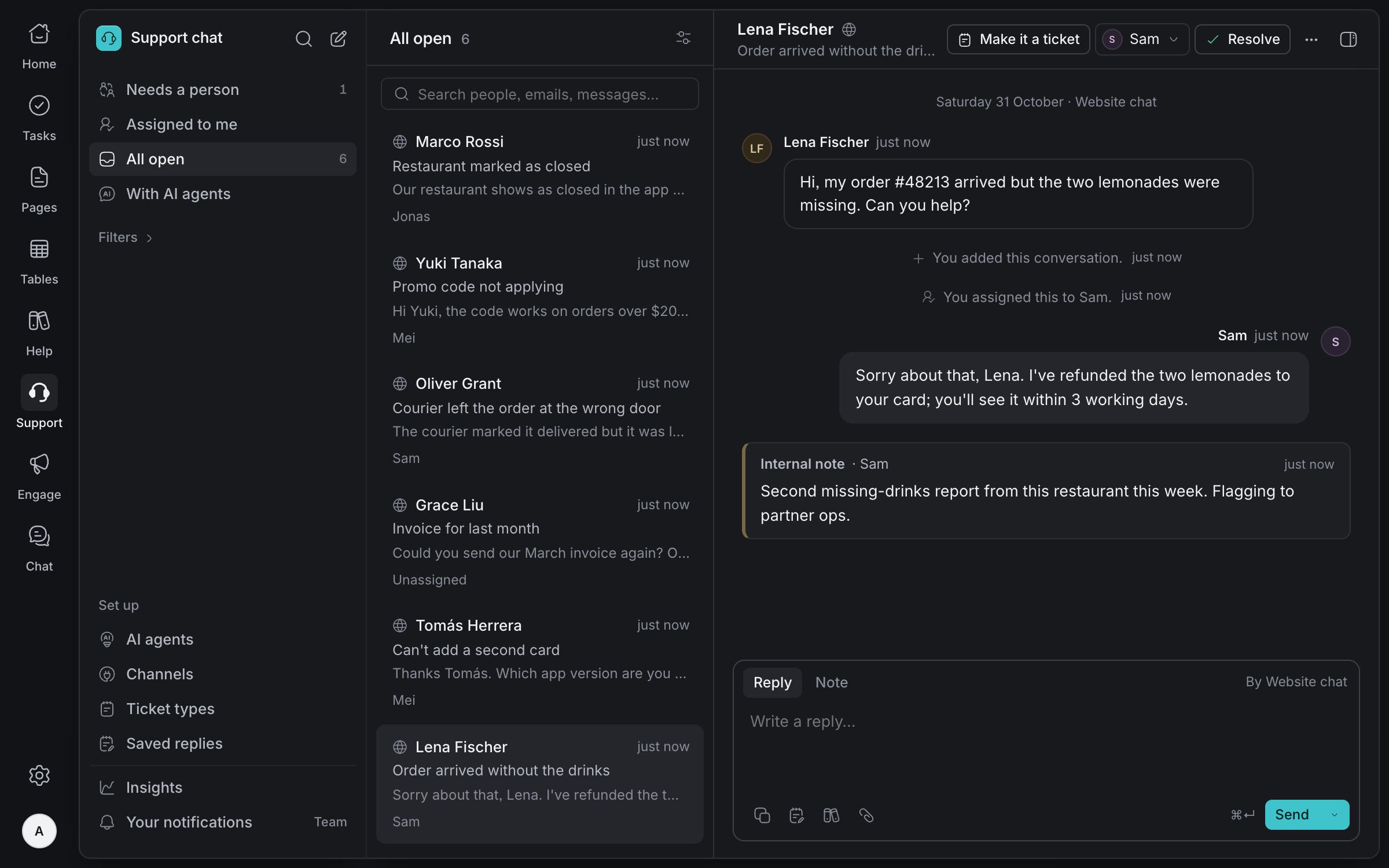
One inbox,
every channel
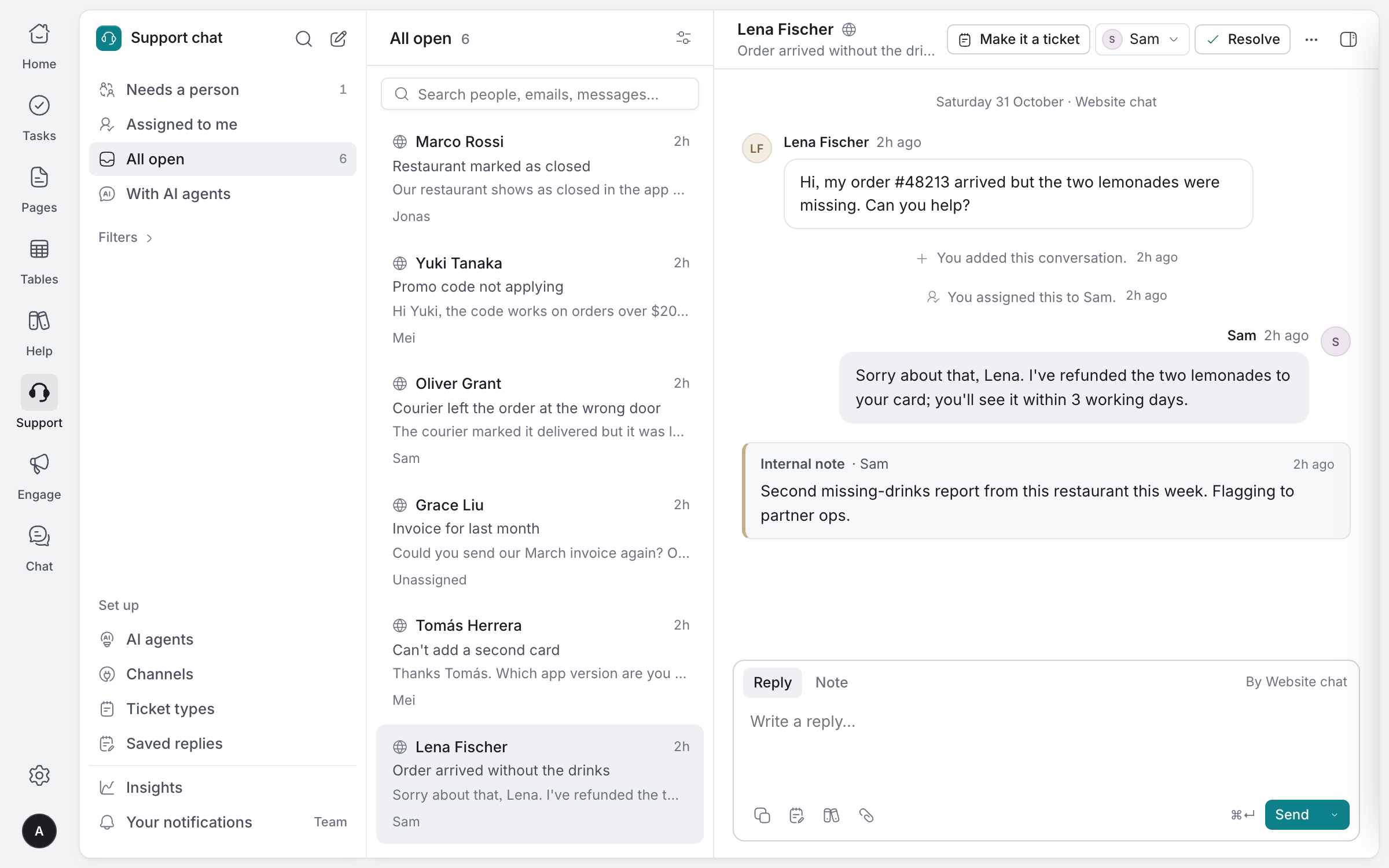
Website chat, email, WhatsApp and chat inside your own app arrive together. Assign each conversation, leave notes only your team sees, and let an AI agent answer from your published articles.
Every channel
Website chat, email, a linked WhatsApp number and chat inside your app.
Clear ownership
Assign, snooze, mark high priority and resolve, so no client waits unseen.
Saved replies and notes
Type / for a saved reply with the client's name filled in, and talk it over in a note.
An AI agent, if you want one
It answers only from your help articles, names its sources and hands over by your rules.
A help centre
clients can search
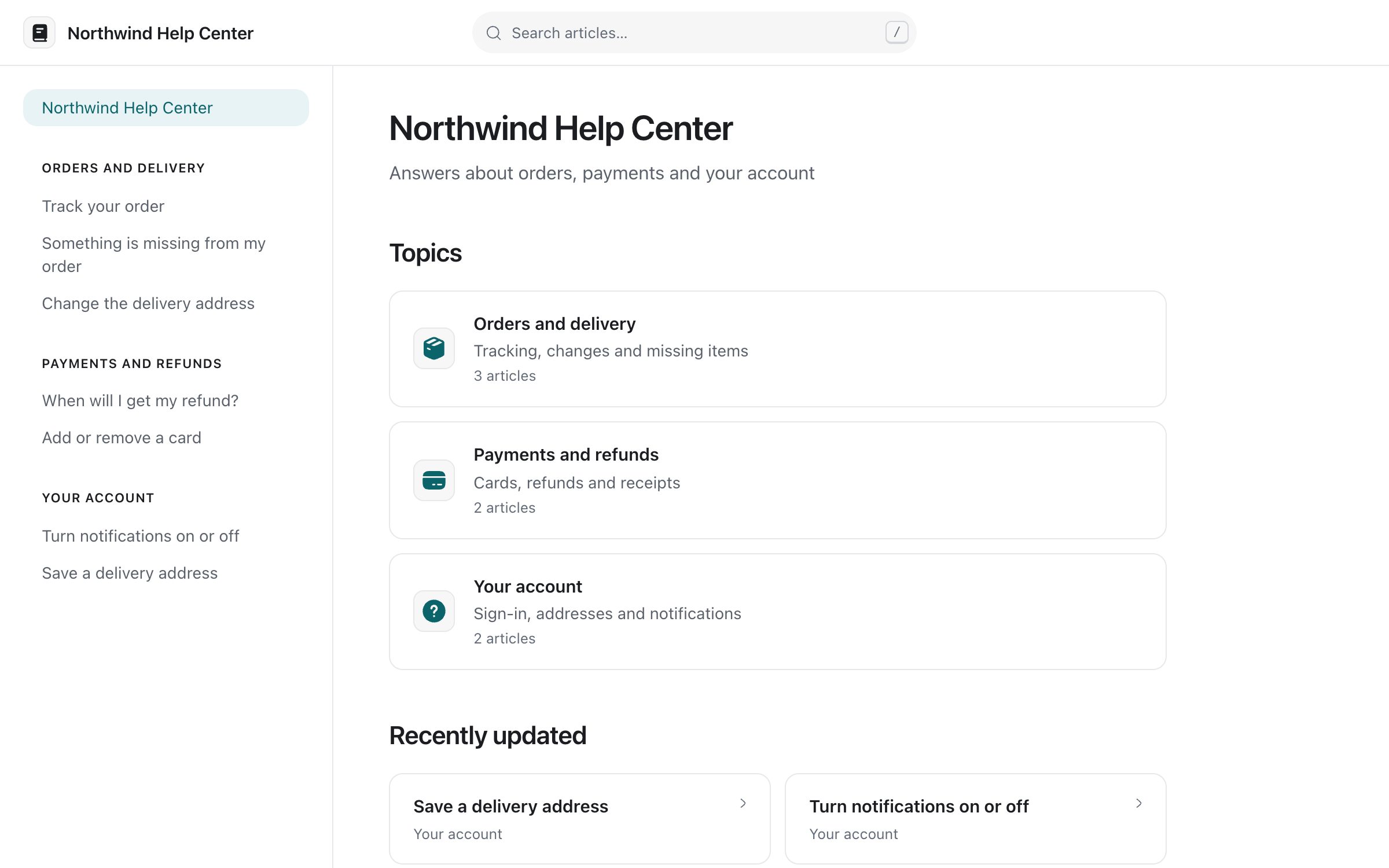
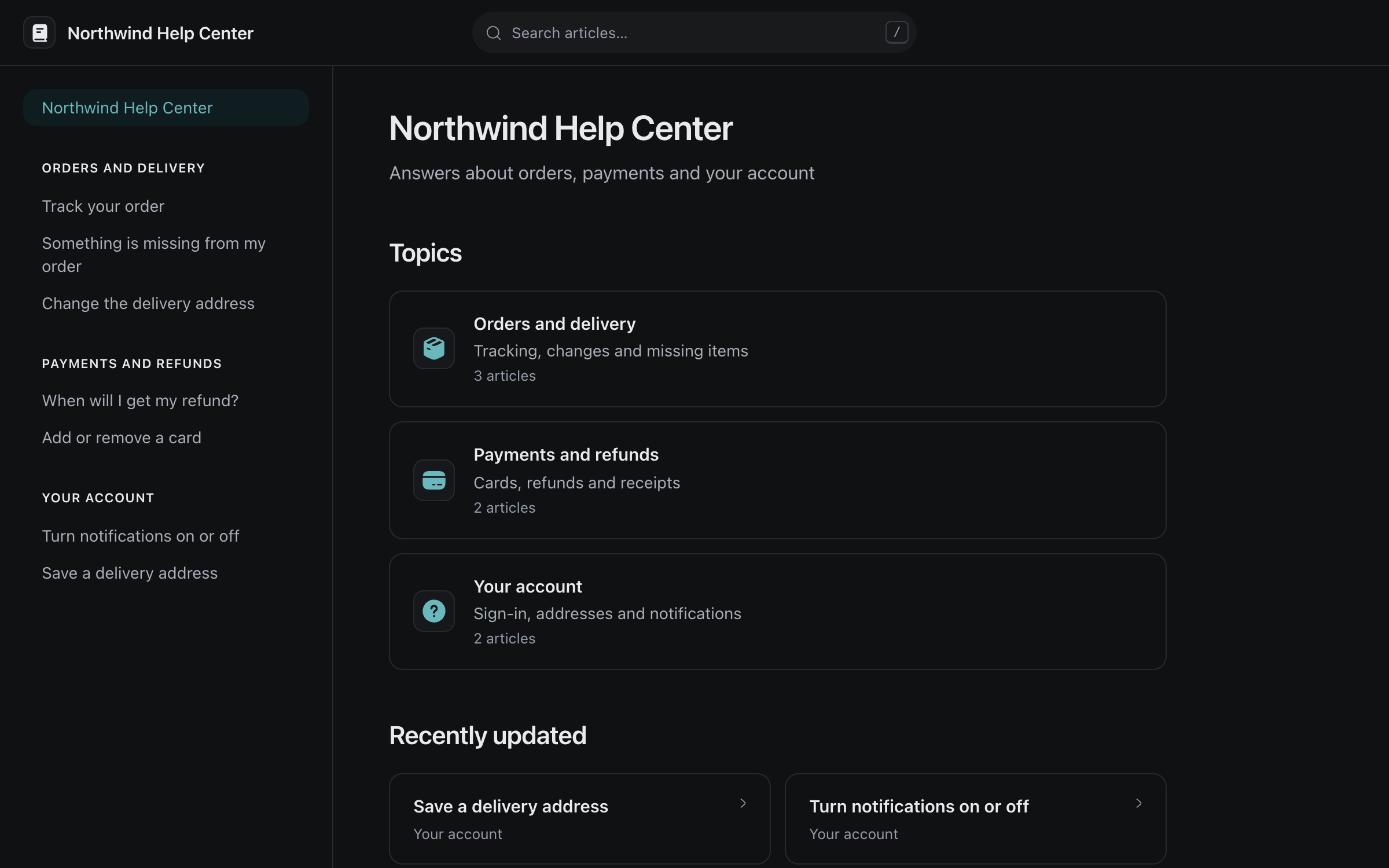
Publish answers once on your own help centre. Clients find them on any phone, and you see what they searched for and couldn't find.
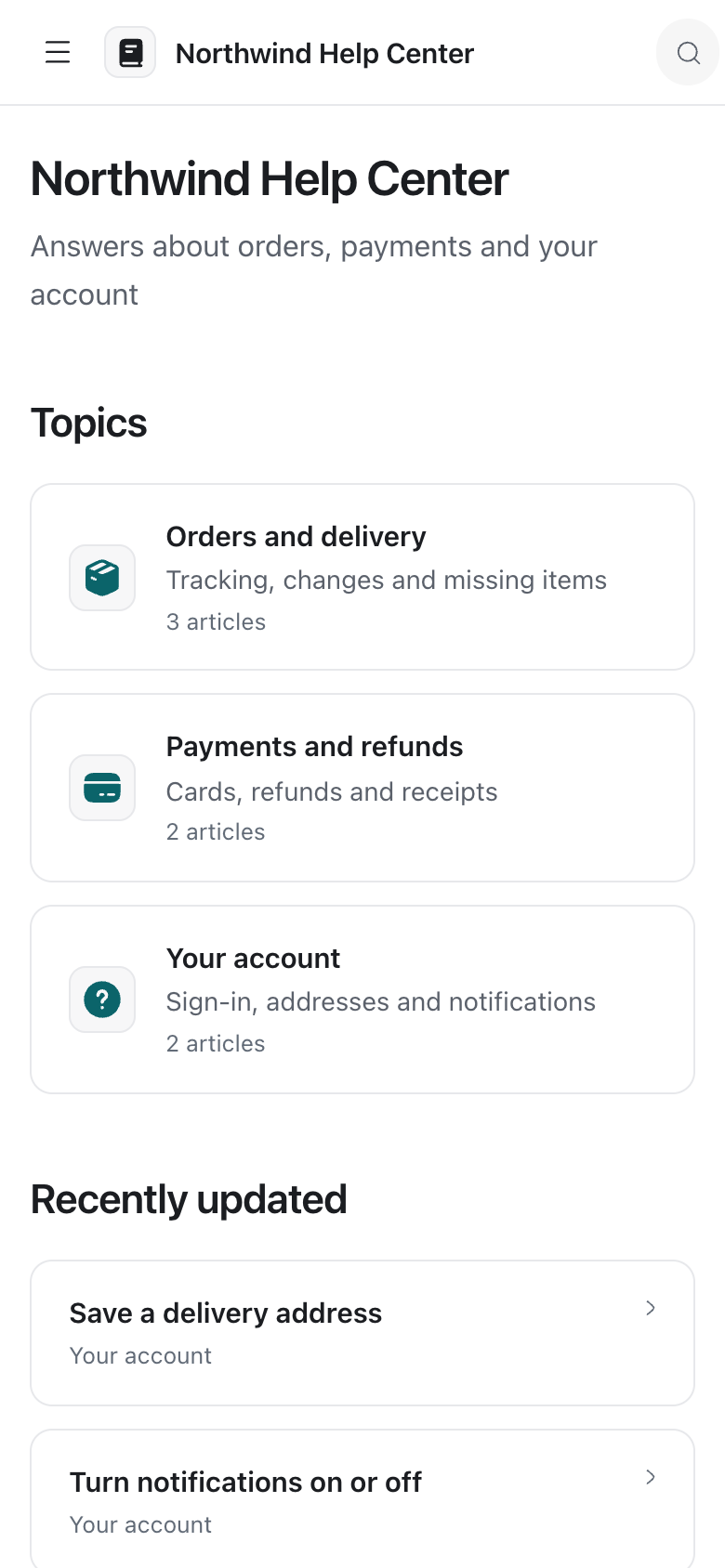
Topics and search
Articles grouped by topic, and search that forgives typos.
Was this helpful?
Clients vote on each article and can say what was missing.
Your look
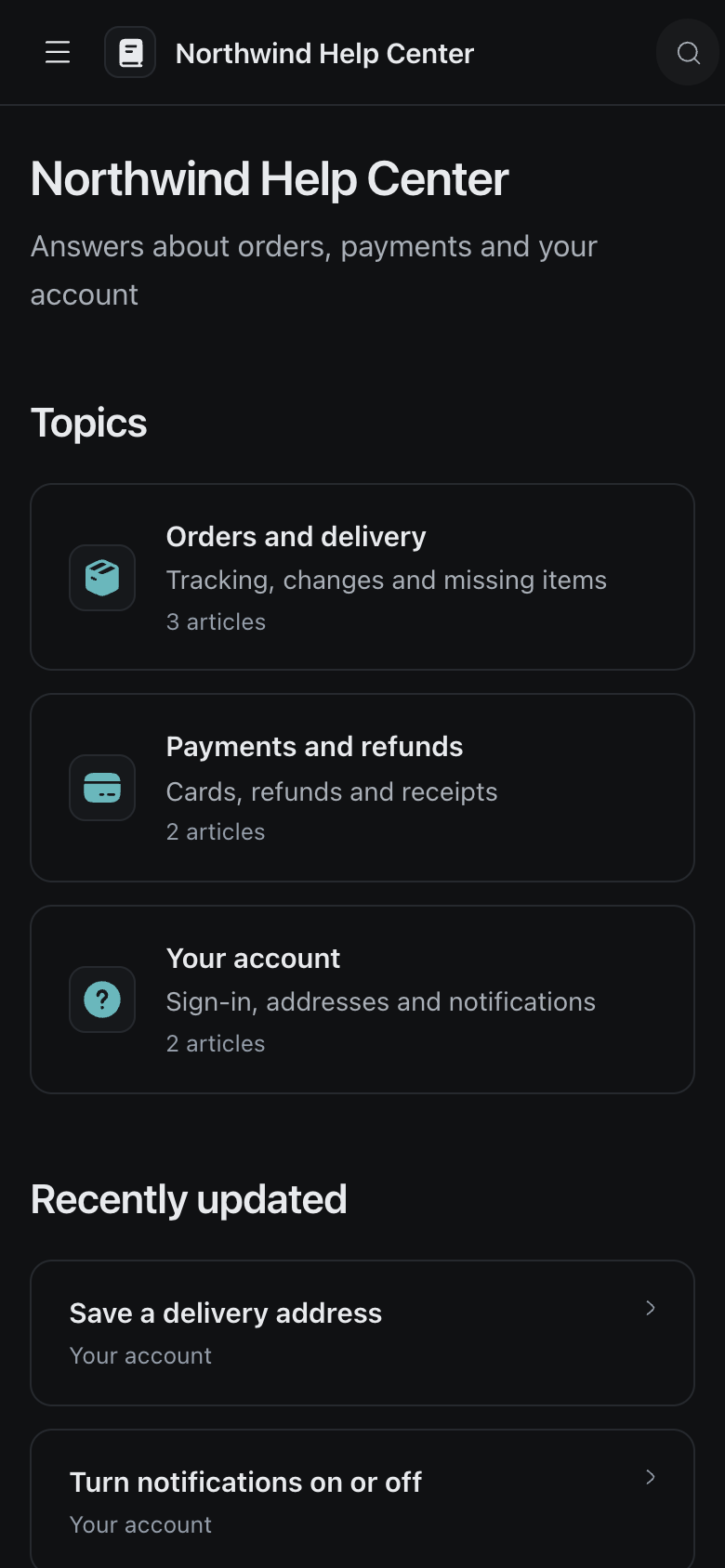
Your logo, colours and layout, light or dark.
What to write next
Searches with no answer show you the next article to write.
Everyone you serve,
in one list
Clients from your apps, spreadsheets and support conversations in one list, with what they did, what they agreed to receive and everything you sent them.
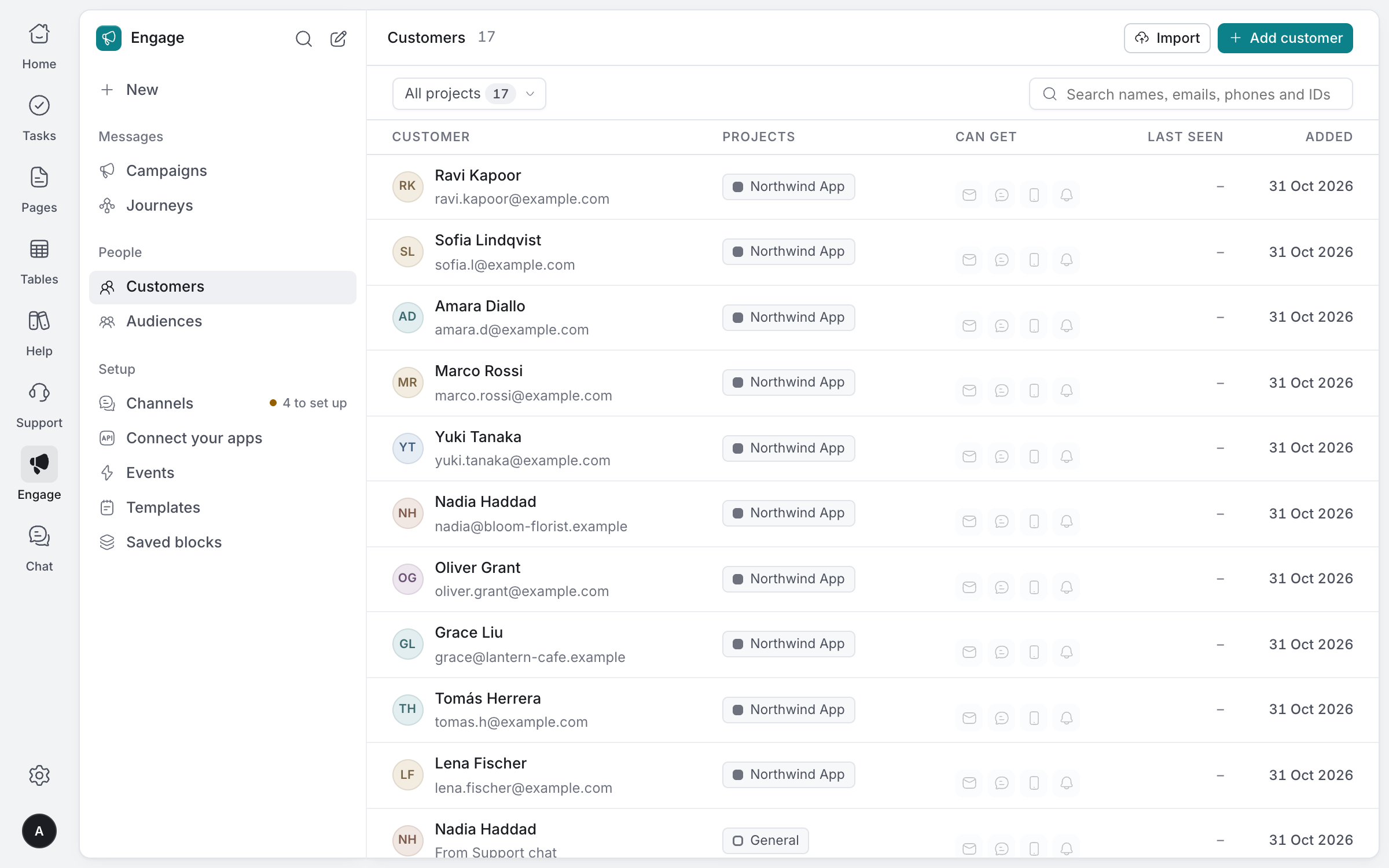
One person, every product
Matched by your app's ID for them, then their email, then their phone.
Linked to Support
Clients and support contacts are linked both ways.
What they agreed to
Each client gets only the channels they agreed to.
Import a spreadsheet
Bring clients in from a CSV, matching each column to a detail.
Keep in touch
at the right moment
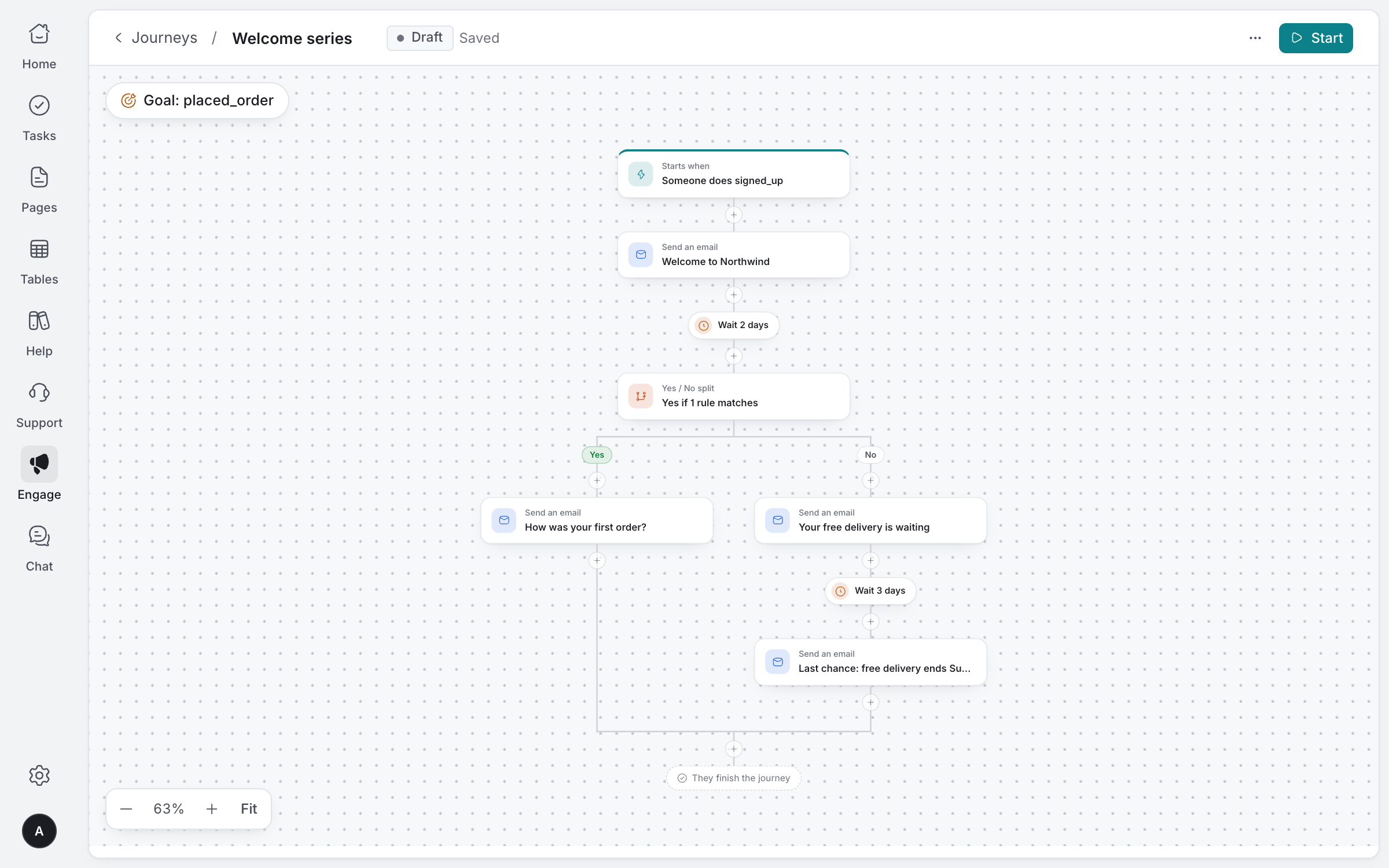
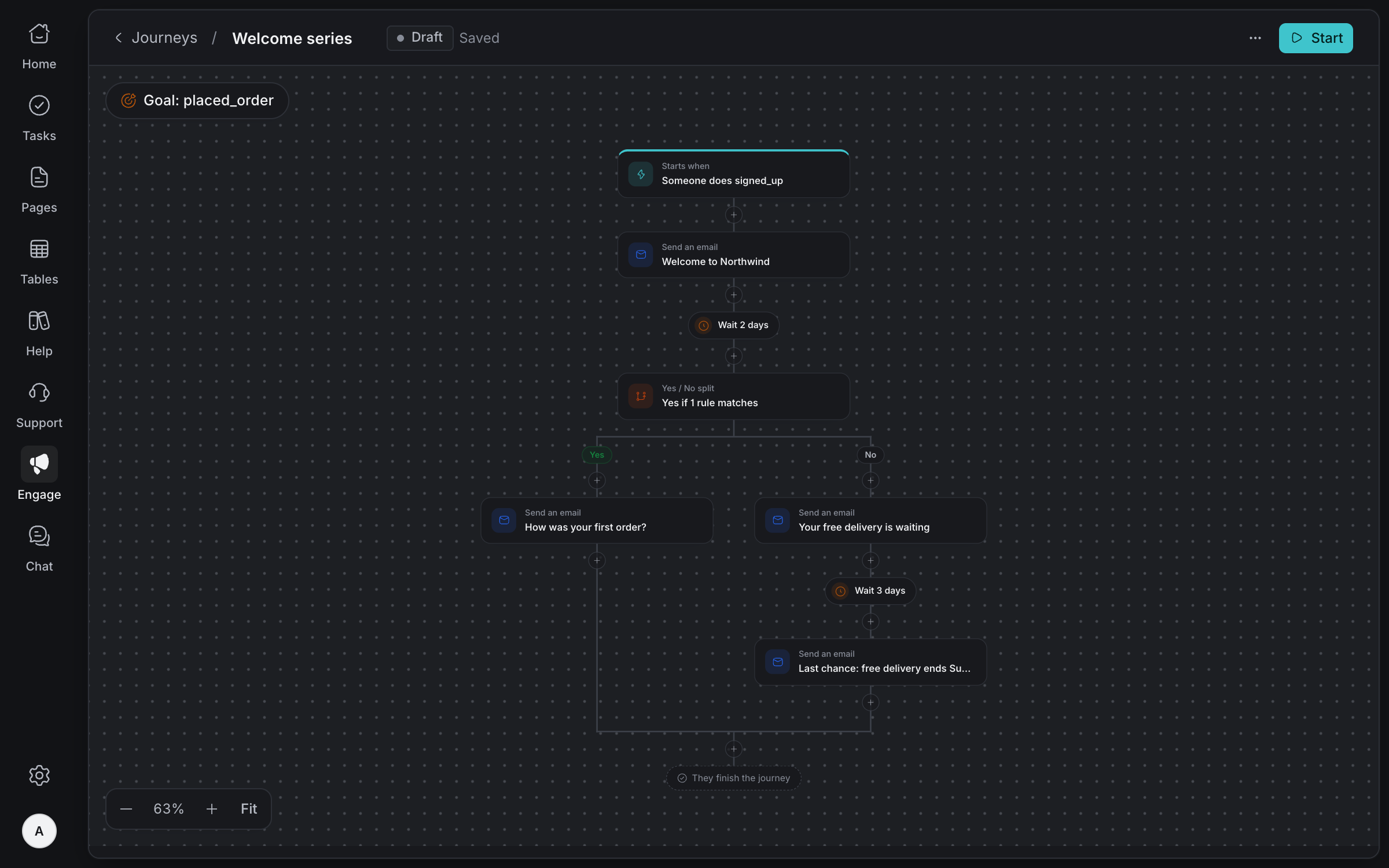
Welcome new clients, follow up after a first order and remind them before a renewal, with journeys that follow what they do and stop when they reach your goal.
Email, SMS, push and in-app
Reach clients on the channels they use.
Journeys
Start on an event, wait for what they do, split on what happened.
Test first
Send yourself each message before any client gets it.
See what it did
Who it reached, who opened and clicked, and who did what you hoped.
Made for how
client teams work
WhatsApp, where clients are
Link your WhatsApp number and answer from the same inbox as email.
Away message
When nobody is online, clients can leave an email or WhatsApp number for a reply.
Alerts your way
Each person chooses alerts for the whole team, only their own conversations, or none.
Reply times you can see
First reply times for agents and your team, and how long clients wait for a person.
A daily AI budget
One daily limit for AI spend. When it's used up, conversations go to your team.
Private notes stay private
Clients never see the notes your team leaves beside their conversation.
Bring every client conversation together
Tell us about your team and we'll help you set up your workspace.
Request access