Keep things running, in one place.
Run moves, audits and rollouts as projects, take requests with a form, keep track of equipment and write down how things are done, with your team and AI agents working side by side.
Request access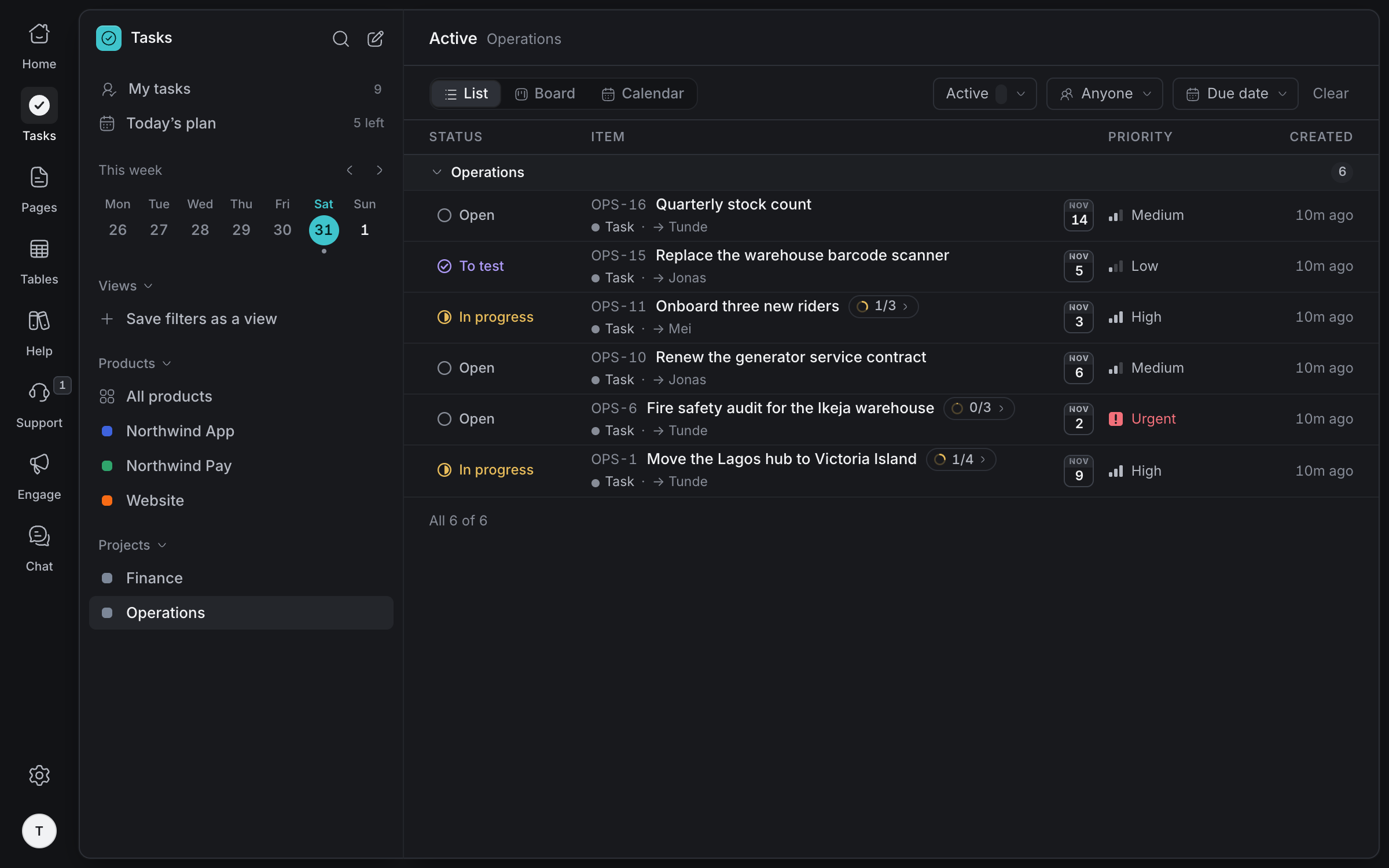
Moves, audits
and rollouts
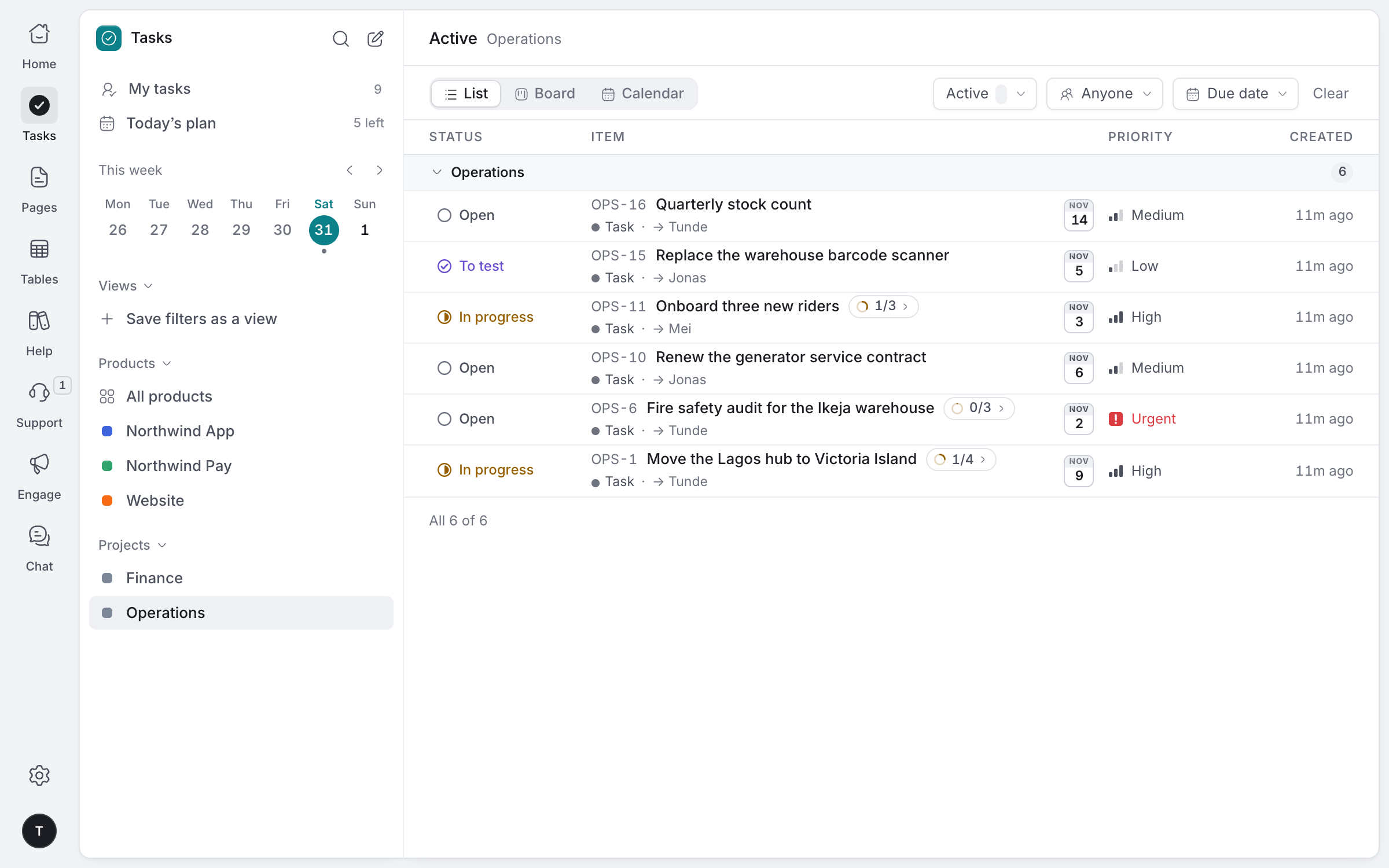
Big jobs as projects broken into steps: a hub move, a fire safety audit, new riders. Everyone sees who's doing what and what's due this week.
Steps inside a task
Sign the lease, book the movers, set up power and tell riders the new address.
Owners and dates
Every step has someone on it and a day it's due.
List, board or calendar
See the week's jobs as a list, by status or on a calendar.
Drag to reschedule
Move a job to another day on the calendar, and undo it if needed.
Requests that
don't get lost
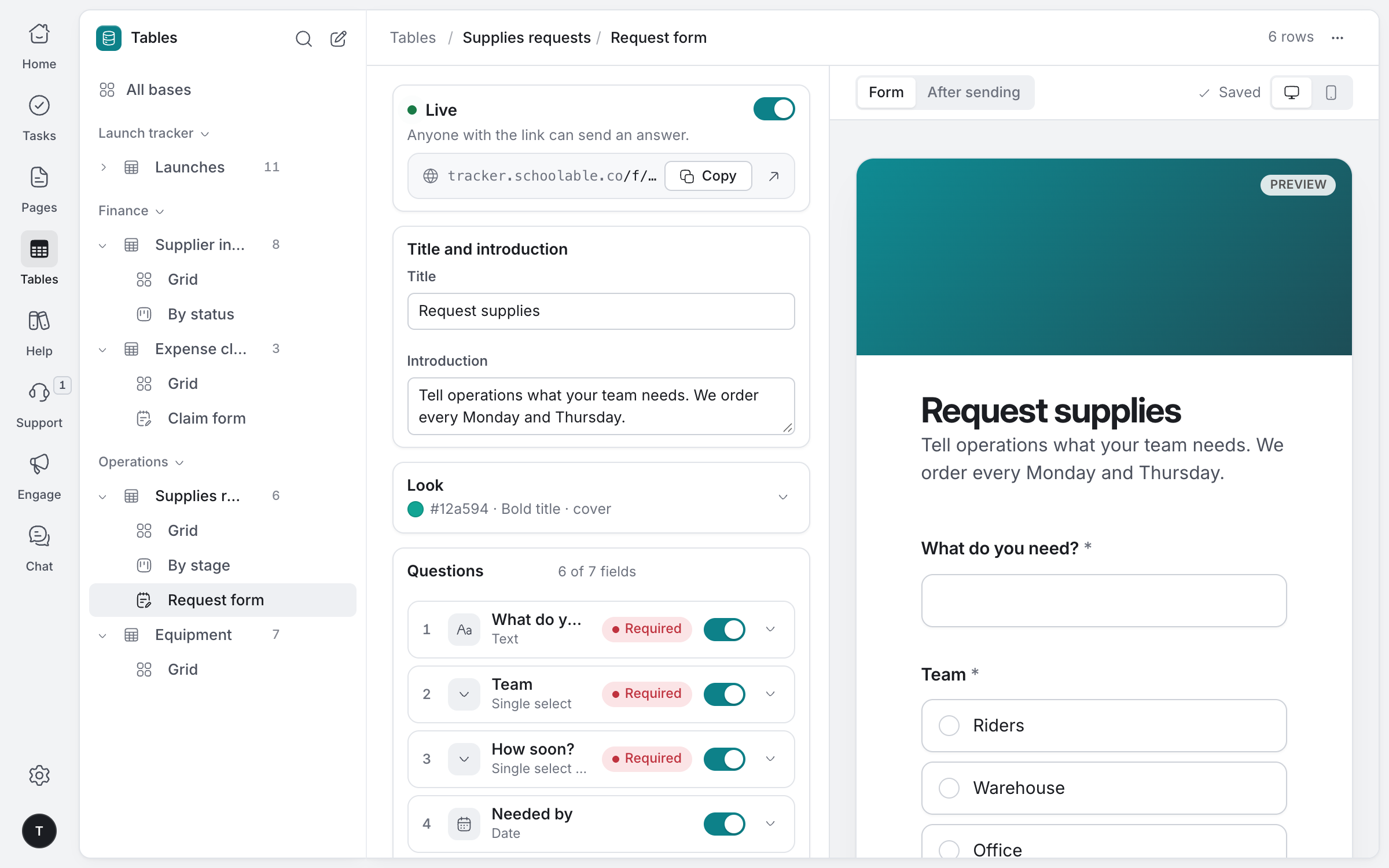
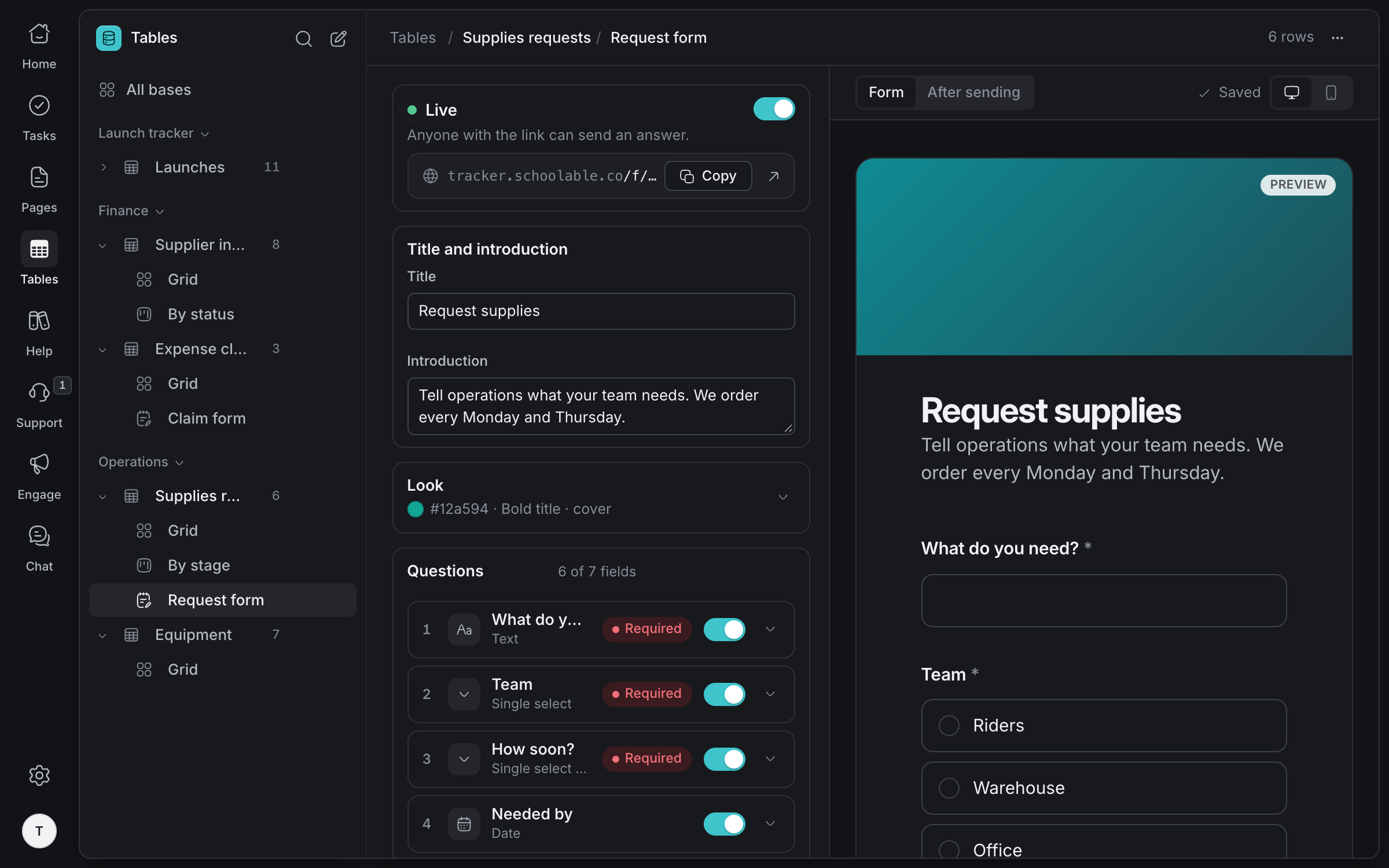
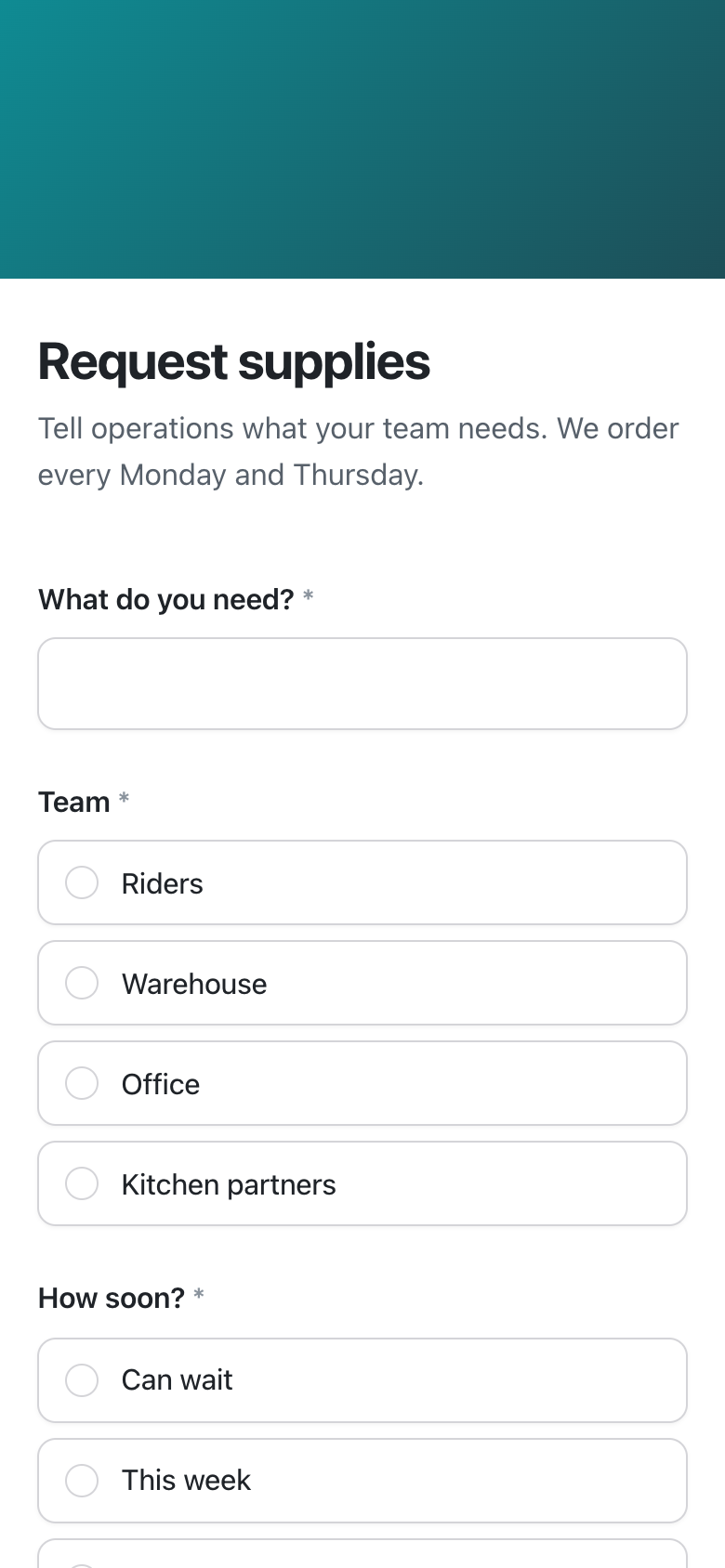
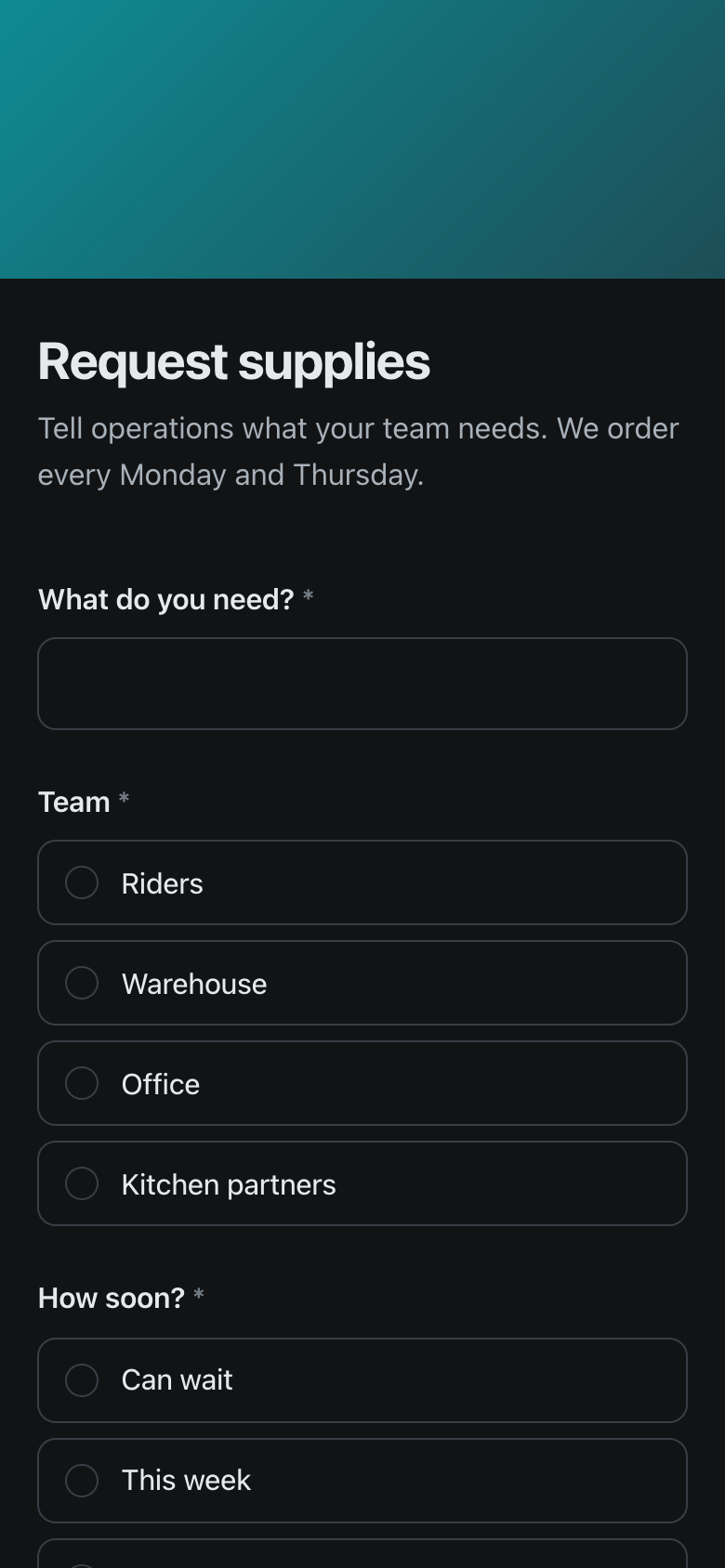
Teams ask for supplies from one link on their phone. Every request lands as a row you can see on a board, from new to ordered to delivered.
- 01
Build it from your table
What's needed, which team, how soon and any details, as questions.
- 02
Share one link
Riders, warehouse and office staff open it on any phone, with no account.
- 03
Requests land as rows
Each request arrives in your table, and the right people can get an email for each one.
Required answers
No request arrives without what's needed and how soon.
Show or skip
Ask follow-up questions only when an earlier answer calls for them.
An email for each request
Up to ten teammates can get each request with a link to its row.
Send it on
Pass each answer to another app over a signed webhook.
Know what you have
and where it is
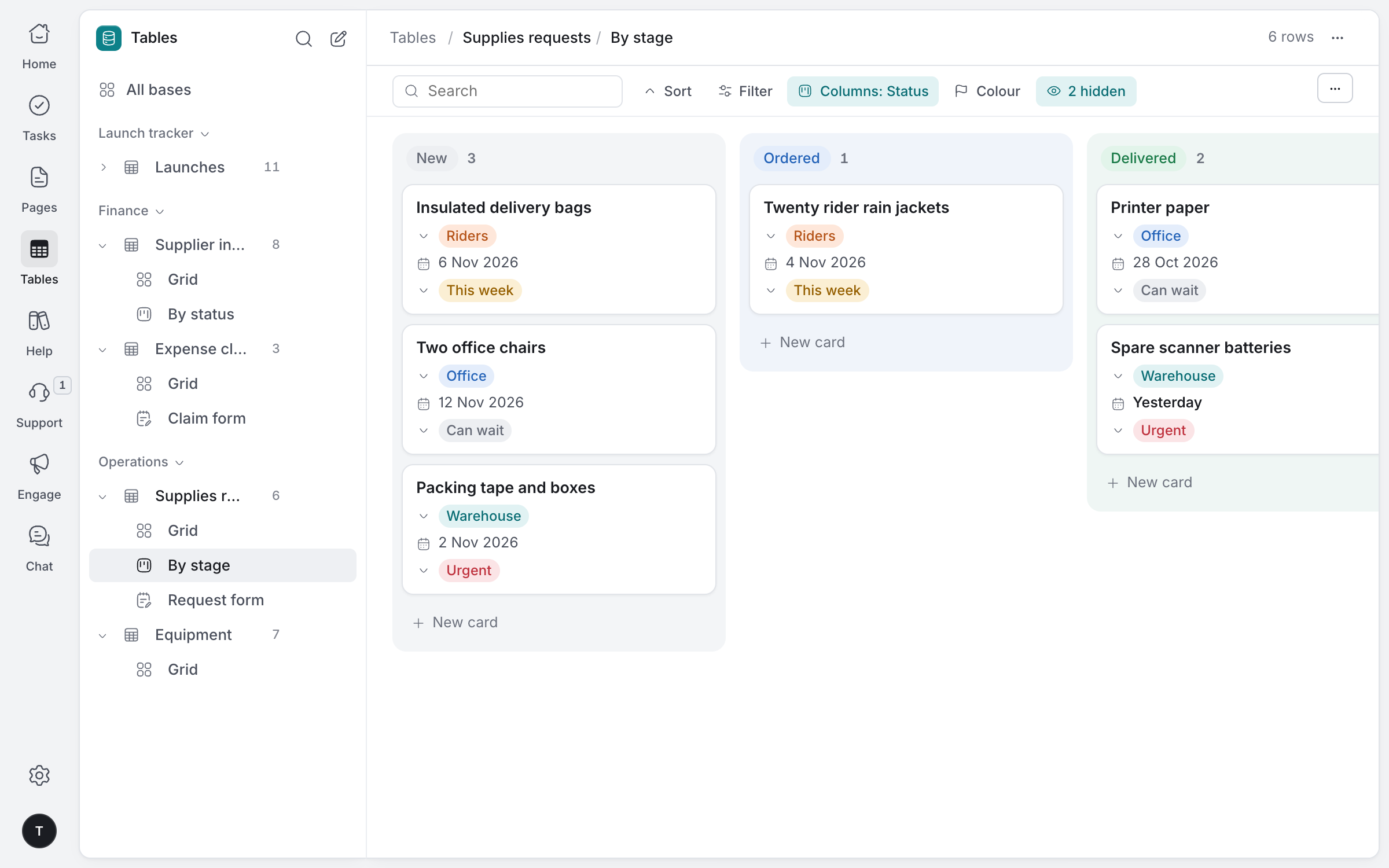
Requests on a board as they move from new to delivered, and every piece of equipment with where it is, its condition and when it was last serviced.
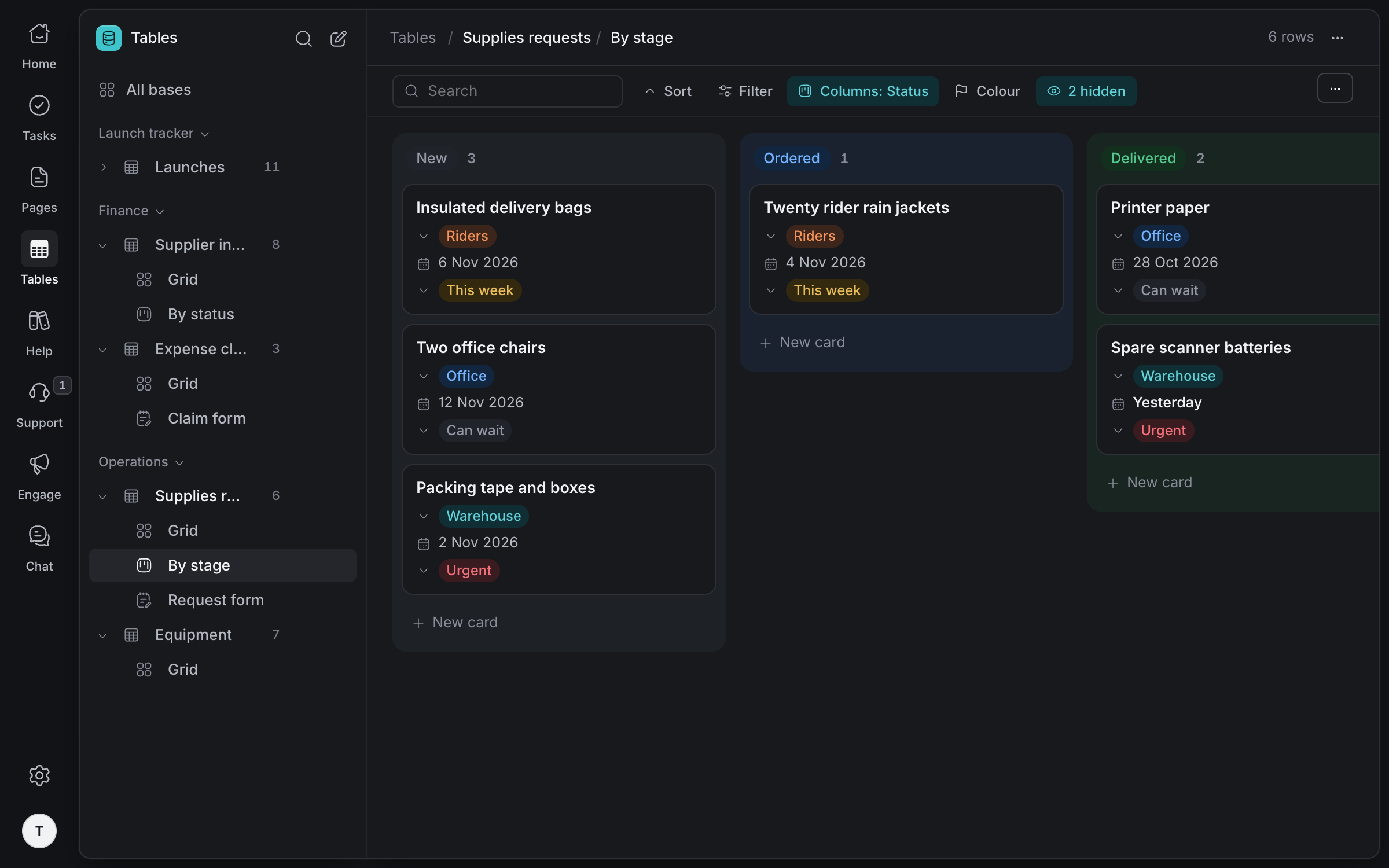
Every request by stage: new, ordered, delivered, with the team and how urgent it is on each card.
Coloured choices
Condition, location and urgency as choices you can filter, group and colour.
Dates you can sort
See what's overdue for a service first.
Board or grid
Save each as a view for yourself or the whole team.
Every change kept
Who moved a request or changed a condition, and when.
Procedures written,
days planned
How to open the warehouse, close it and onboard a rider, written once where everyone can find it, and a plan for each person's day.
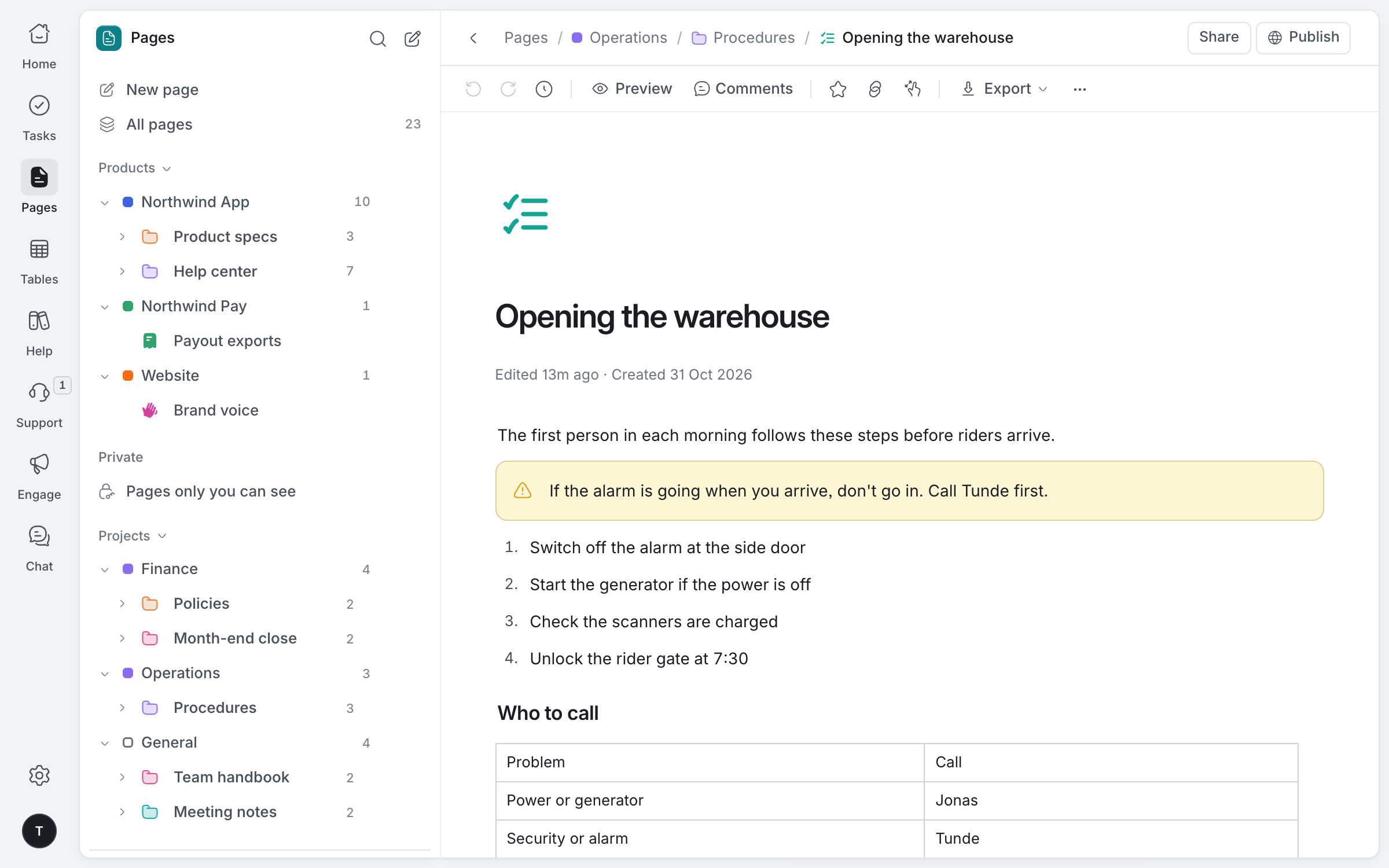
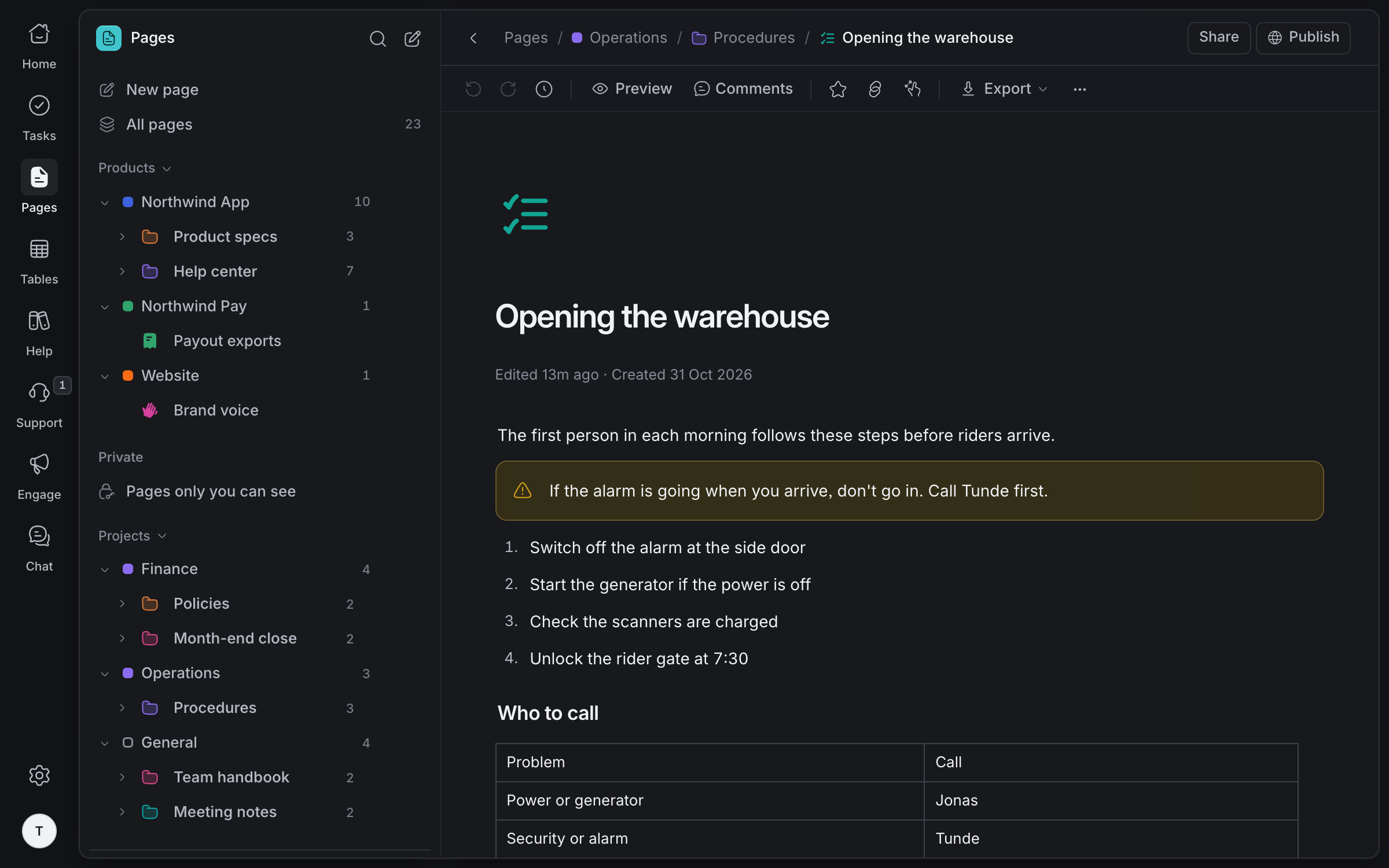
Numbered steps, the warning that matters and who to call, with every version kept.
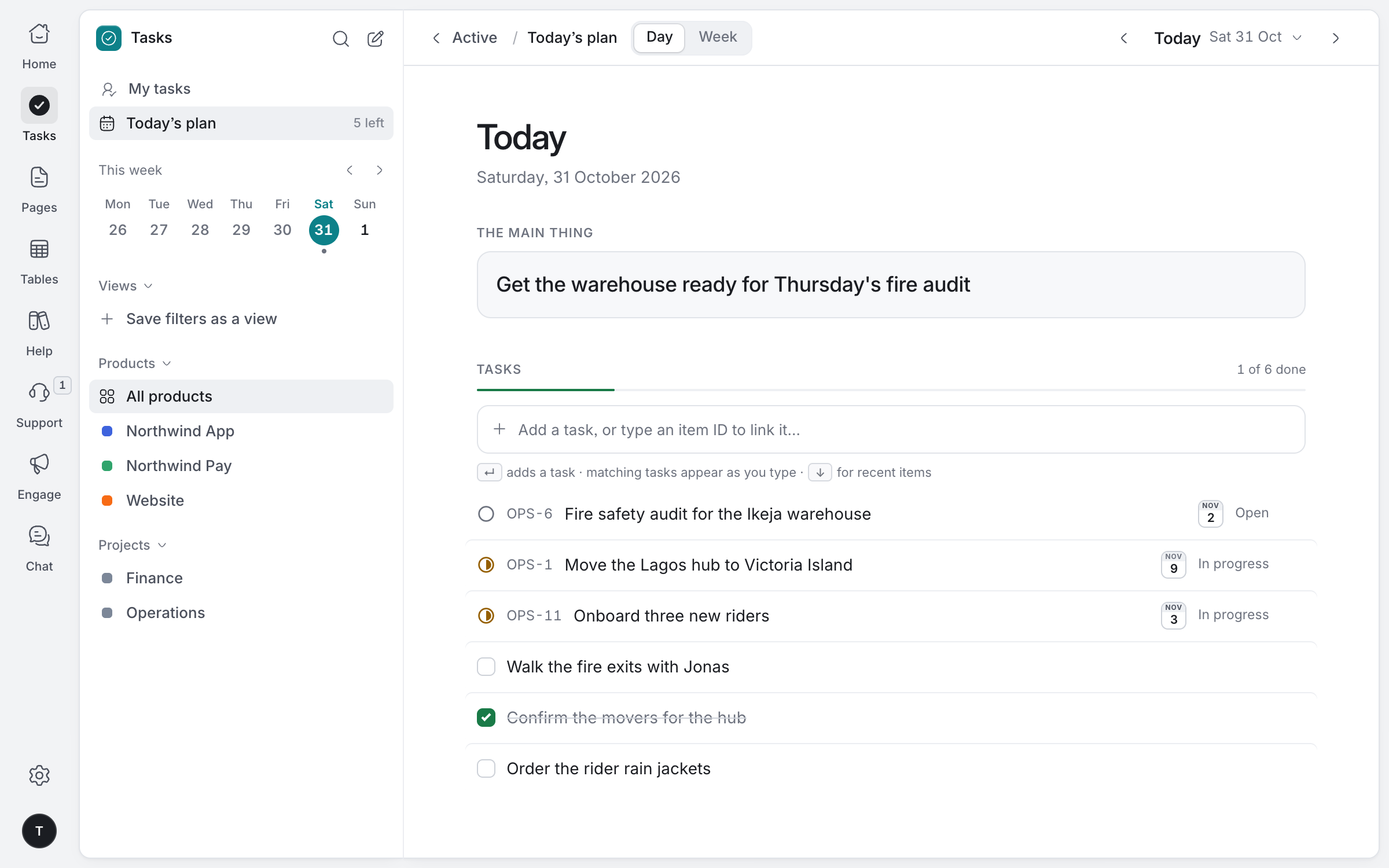
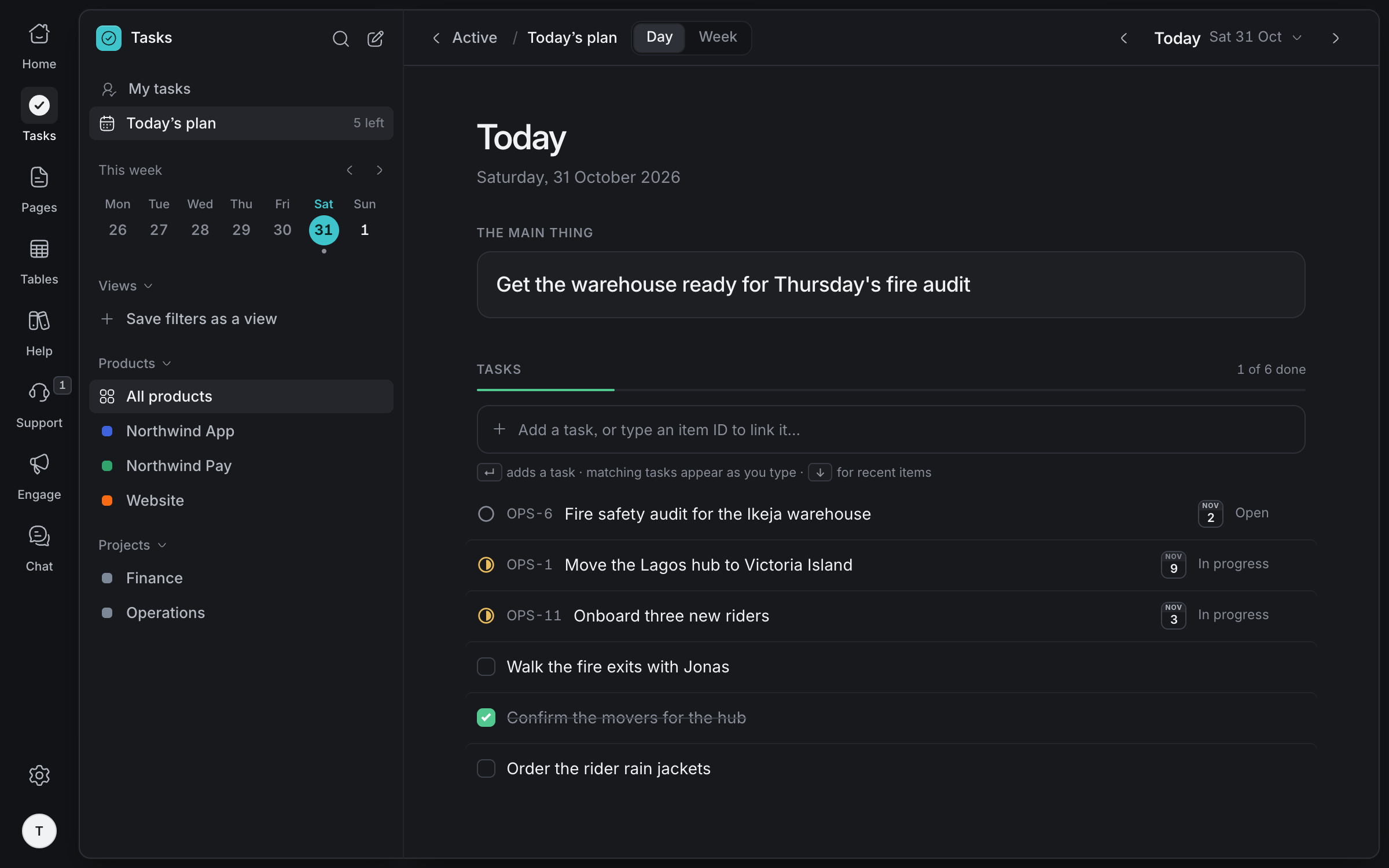
The main thing for today and the jobs that get it done. Only you see it.
Made for how
operations works
Calendars for dates
Services, deliveries and visits on a calendar view of any table.
Guides anyone can search
Publish how-to articles on a help site, with search that forgives typos.
One inbox
Questions from partners and customers on every channel, in one place.
Print when you need to
Export a procedure as a PDF to pin on the wall.
The right people only
Keep a project to the people listed on it.
Agents do the busywork
AI agents can read and update rows and tasks through MCP, with every write signed.
Bring your operations together
Tell us about your team and we'll help you set up your workspace.
Request access