Your school's work, in one calm place.
Plan the term, run admissions, answer parents on WhatsApp, email and chat, and send fee reminders, with your staff and AI agents working side by side.
Request access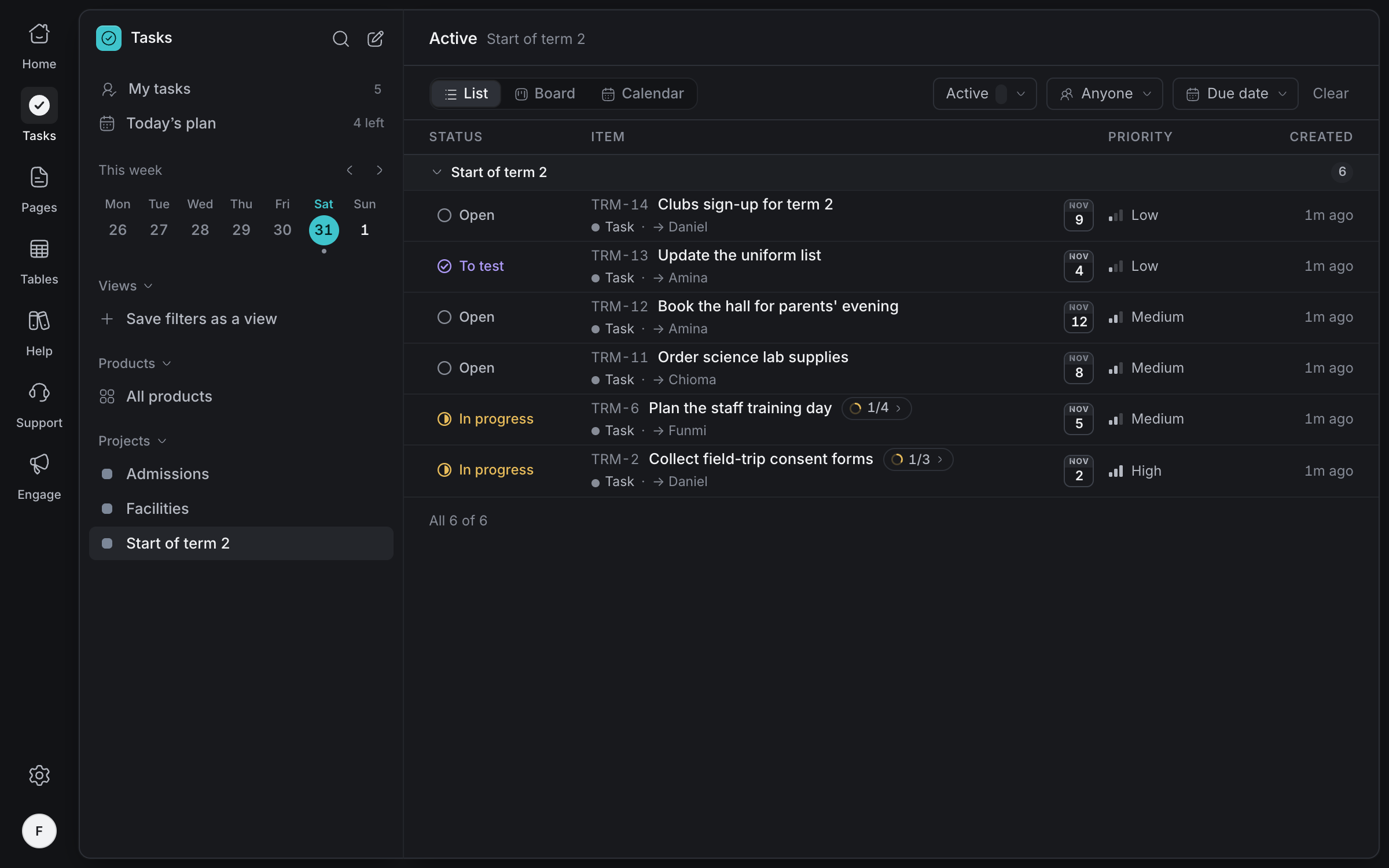
Start every term
organised
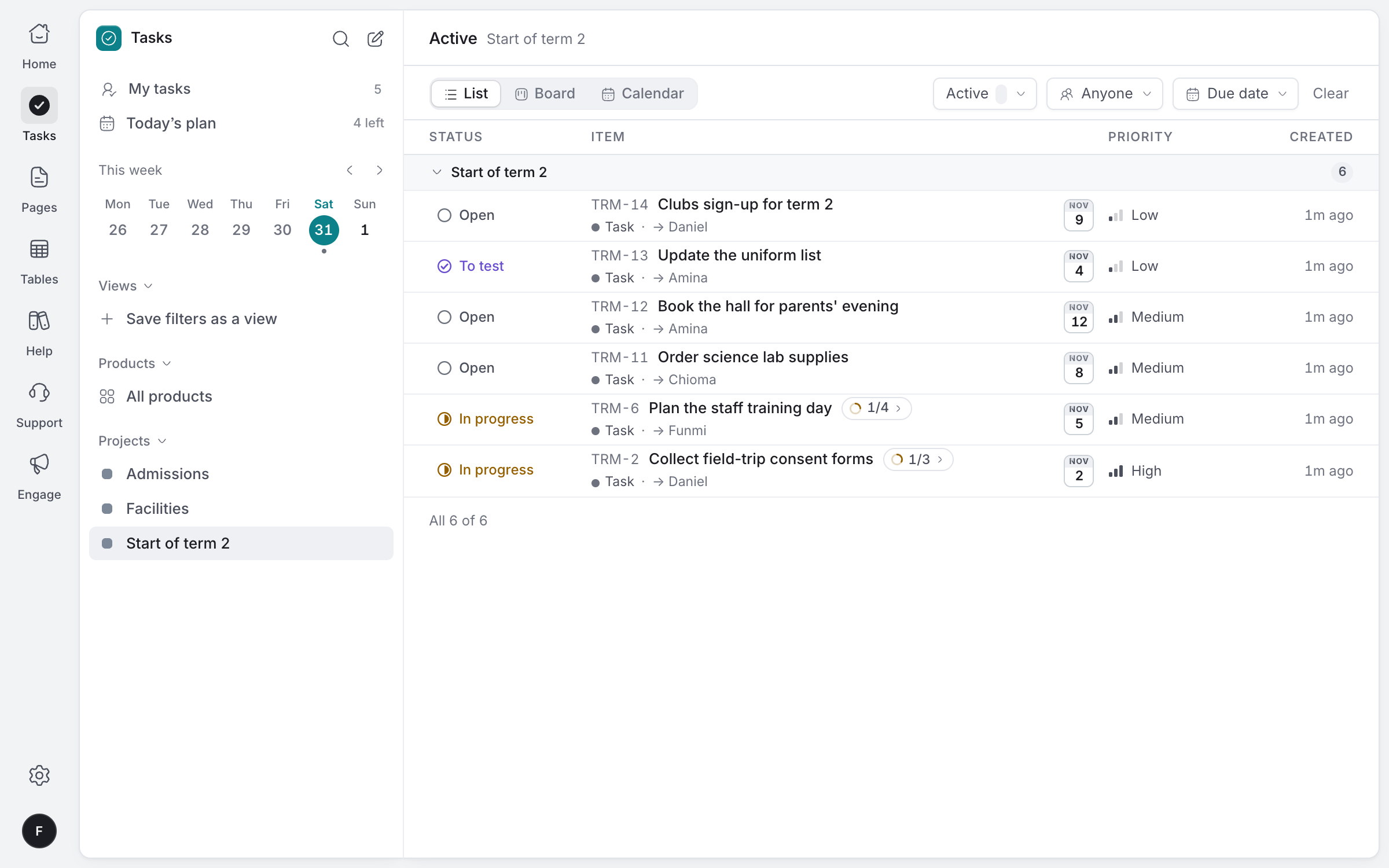
Run the start of term as a project: the timetable, consent forms, supplies and the staff training day, each with an owner, a date and the steps that go with it.
Projects for each part of school
Term planning, admissions and facilities, each its own project with its own staff.
Owners and dates
Everyone sees who's doing what, and what's due this week.
Steps inside a task
Break the training day into booking, agenda, timings and lunch.
List, board or calendar
See the term's work the way that suits each person.
Every record,
in its place
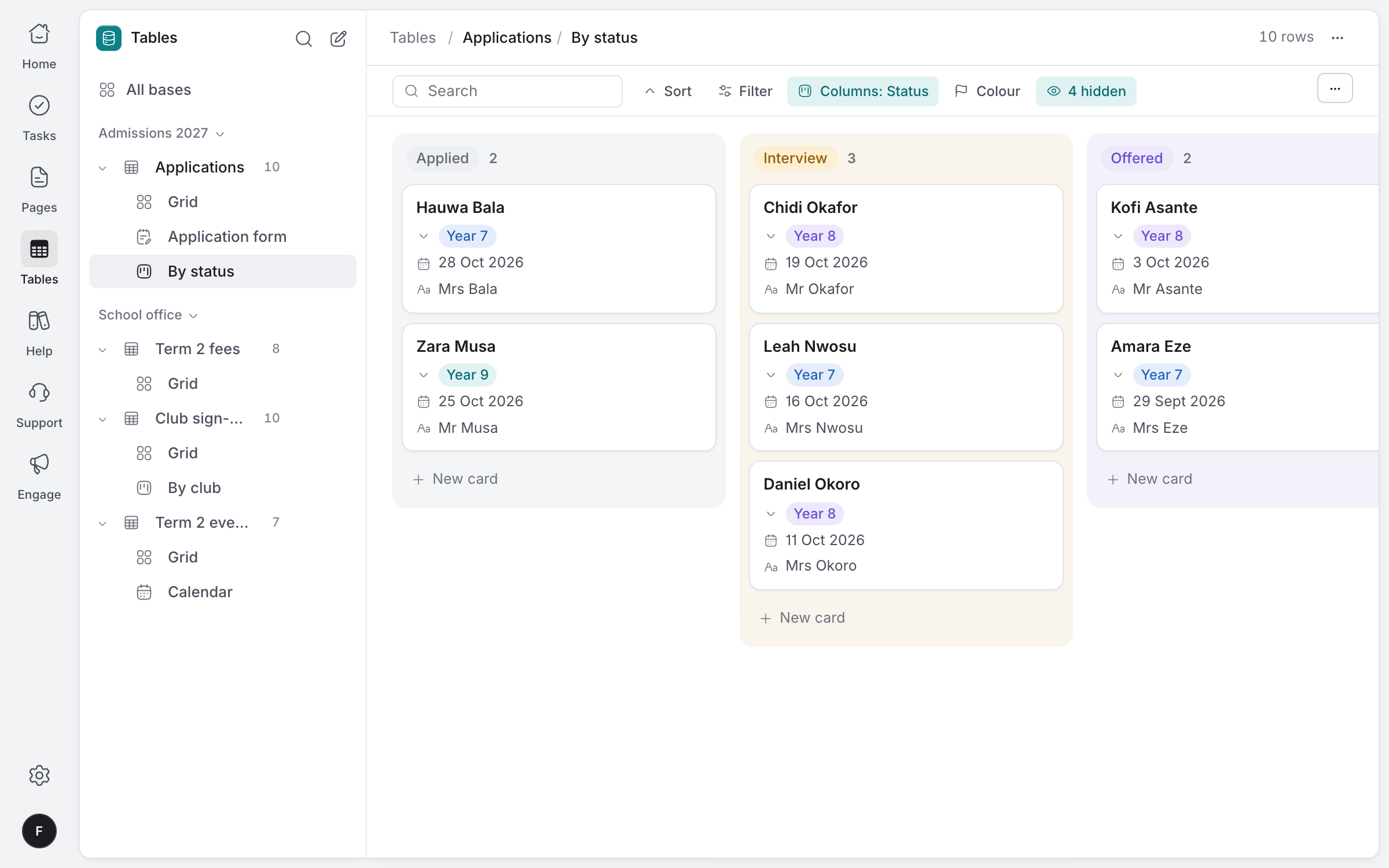
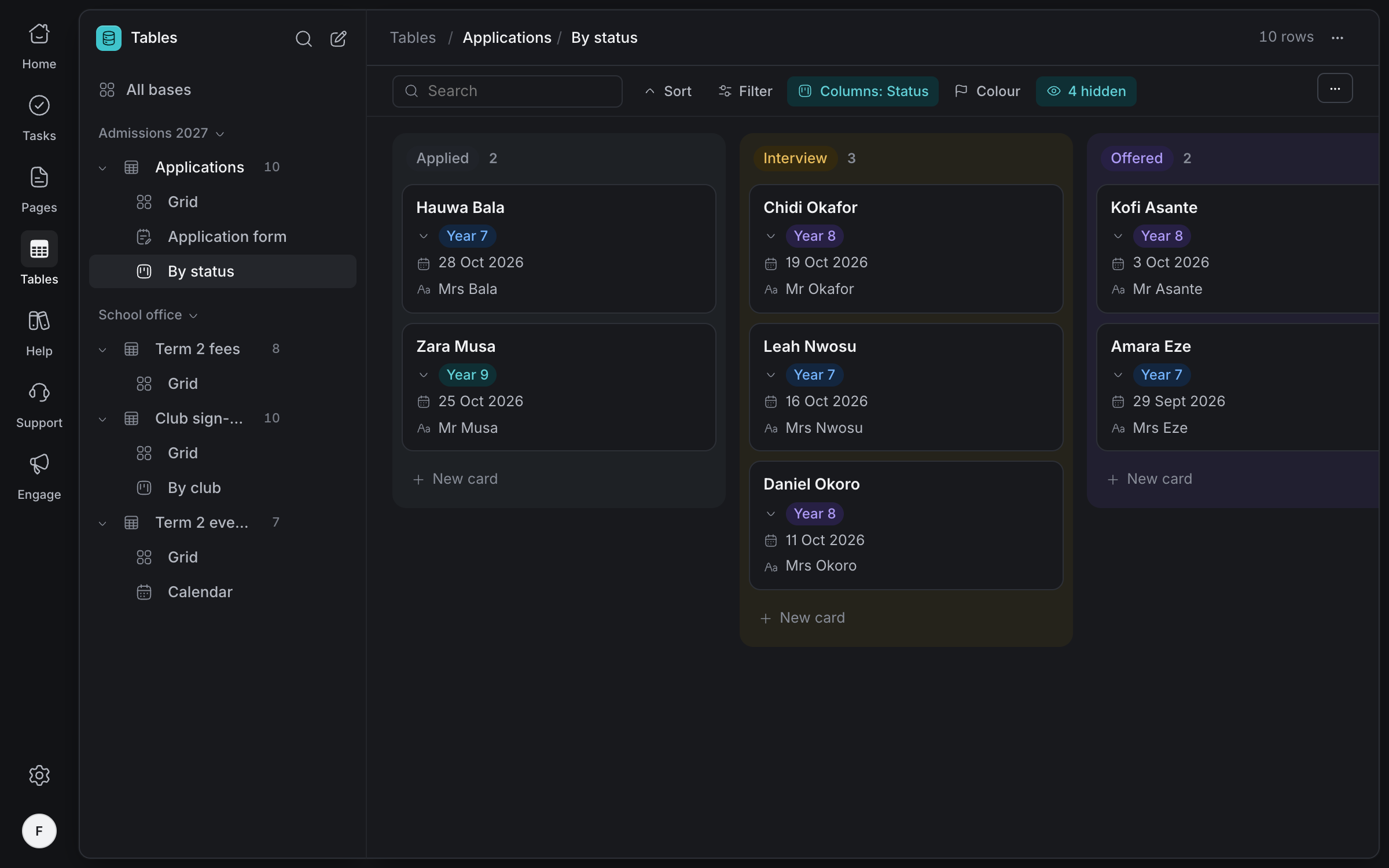
Admissions, fees, clubs and the term's events, each in a table with the right field for every value. See the same records as a grid, a board, a gallery or a calendar.
Every application on a board by status: applied, interview, offered, enrolled. Drag a card to move it on.
The right field for every value
Naira amounts, dates, classes and statuses as coloured choices, phone numbers and files.
Totals along the bottom
Add up fees due and paid, or count what's in each column.
Grid, board, gallery or calendar
Save each as a view for yourself or for all your staff.
Every change kept
See who changed a row and when, and talk about it beside the row.
Forms parents
fill on their phone
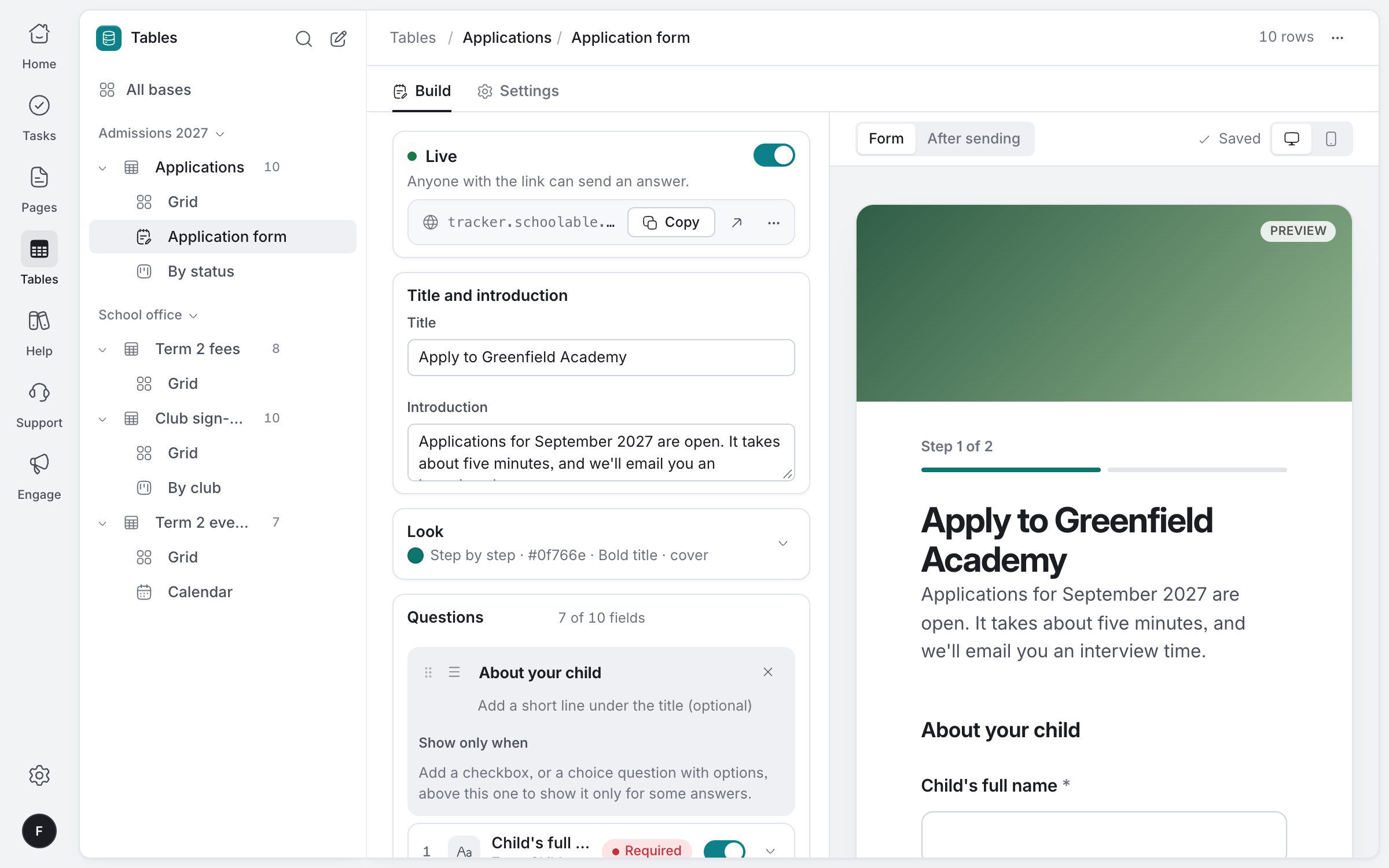
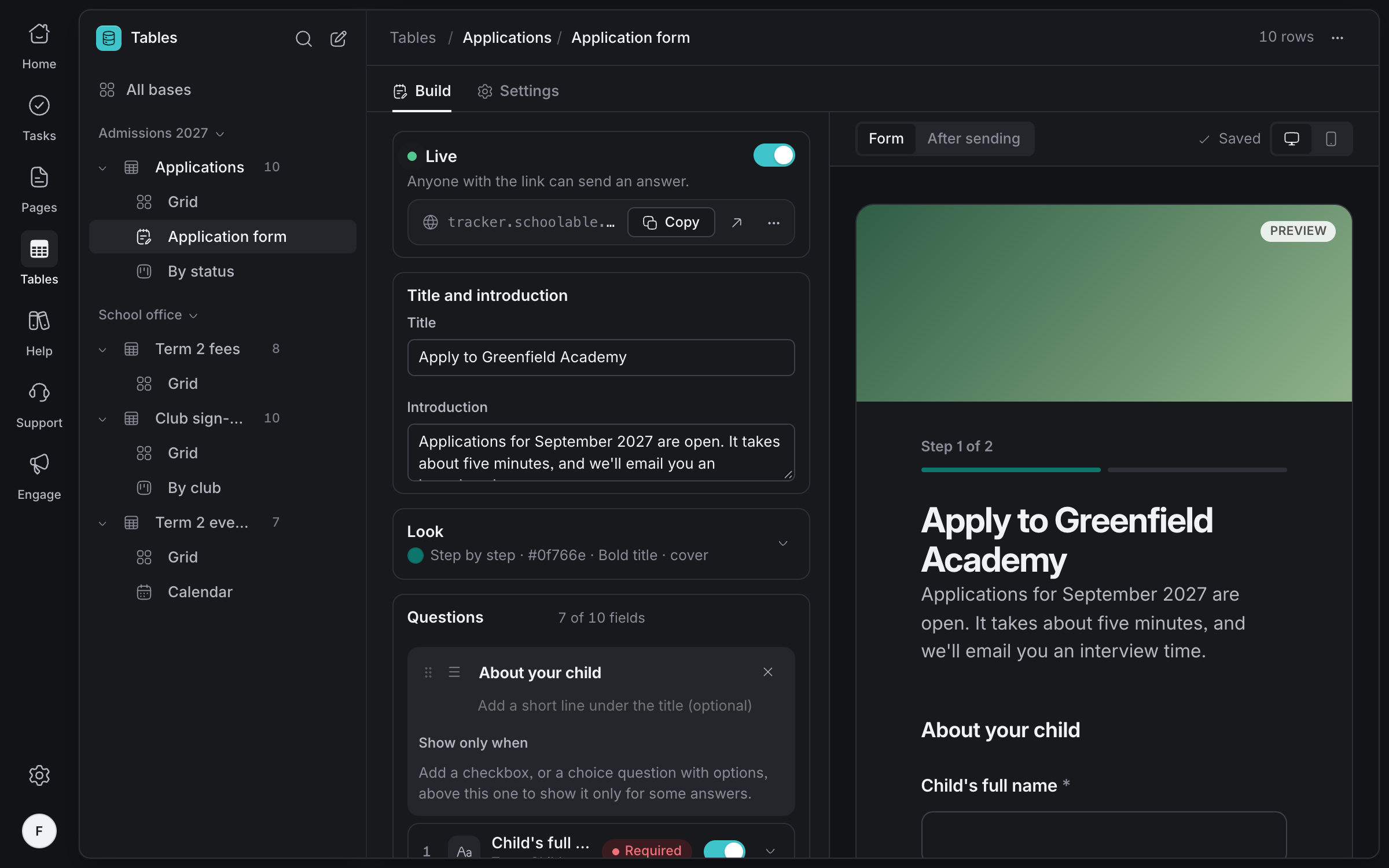
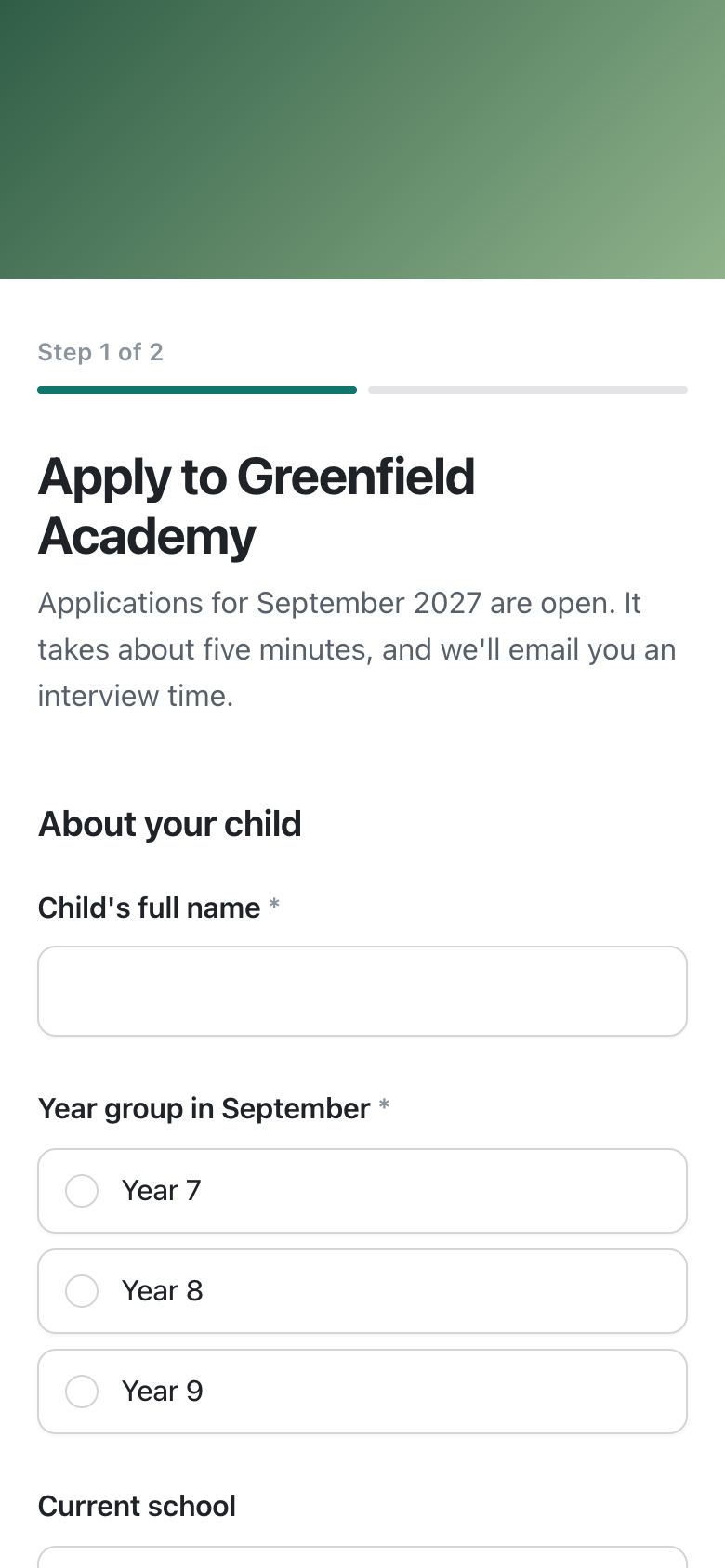
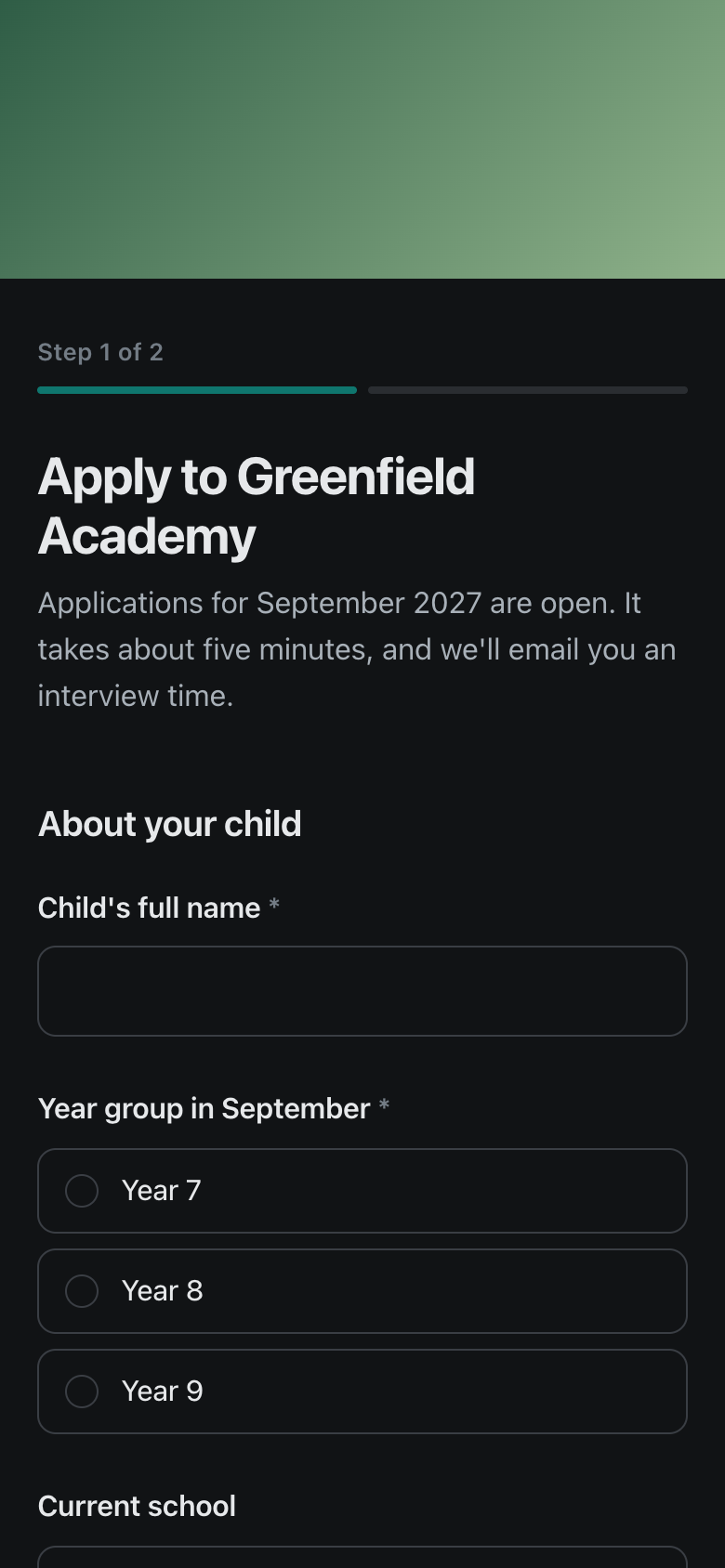
Applications, consent forms and club sign-ups: build the form from the table it fills, and parents answer from one link on any phone.
- 01
Build it from your table
Every field can be a question. Add sections, help text and a cover in your school's colour.
- 02
Share one link
Send it on WhatsApp or put it on your website. Parents need no account to answer.
- 03
Answers land as rows
Each application arrives in your admissions table, and your staff can get an email for each one.
Steps and sections
Split a long form into pages, like 'About your child' and 'About you'.
Show or skip
Ask a question only when an earlier answer matches.
Documents and photos
Let parents attach a birth certificate or a report card.
An email for each answer
Up to ten staff can get each answer, with a link to its row.
Open or closed
Close the form when applications end, and open it again next year.
Spam kept out
A hidden trap turns away bots without bothering parents.
Answer parents
wherever they write
WhatsApp, email and chat on your parents' help site arrive in one inbox. Assign each question to the right person, leave notes only staff can see, and let an AI agent answer from your published articles.
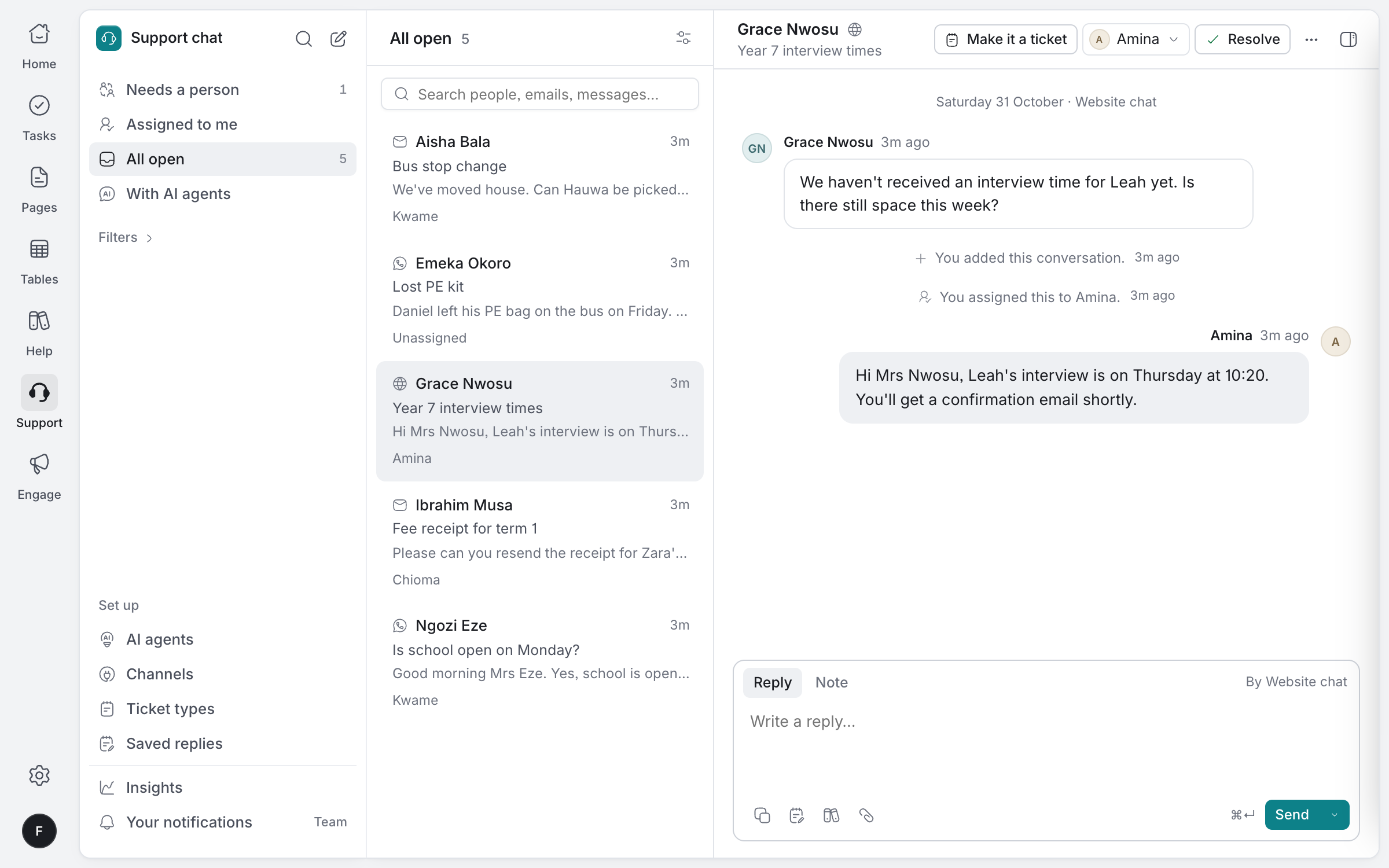
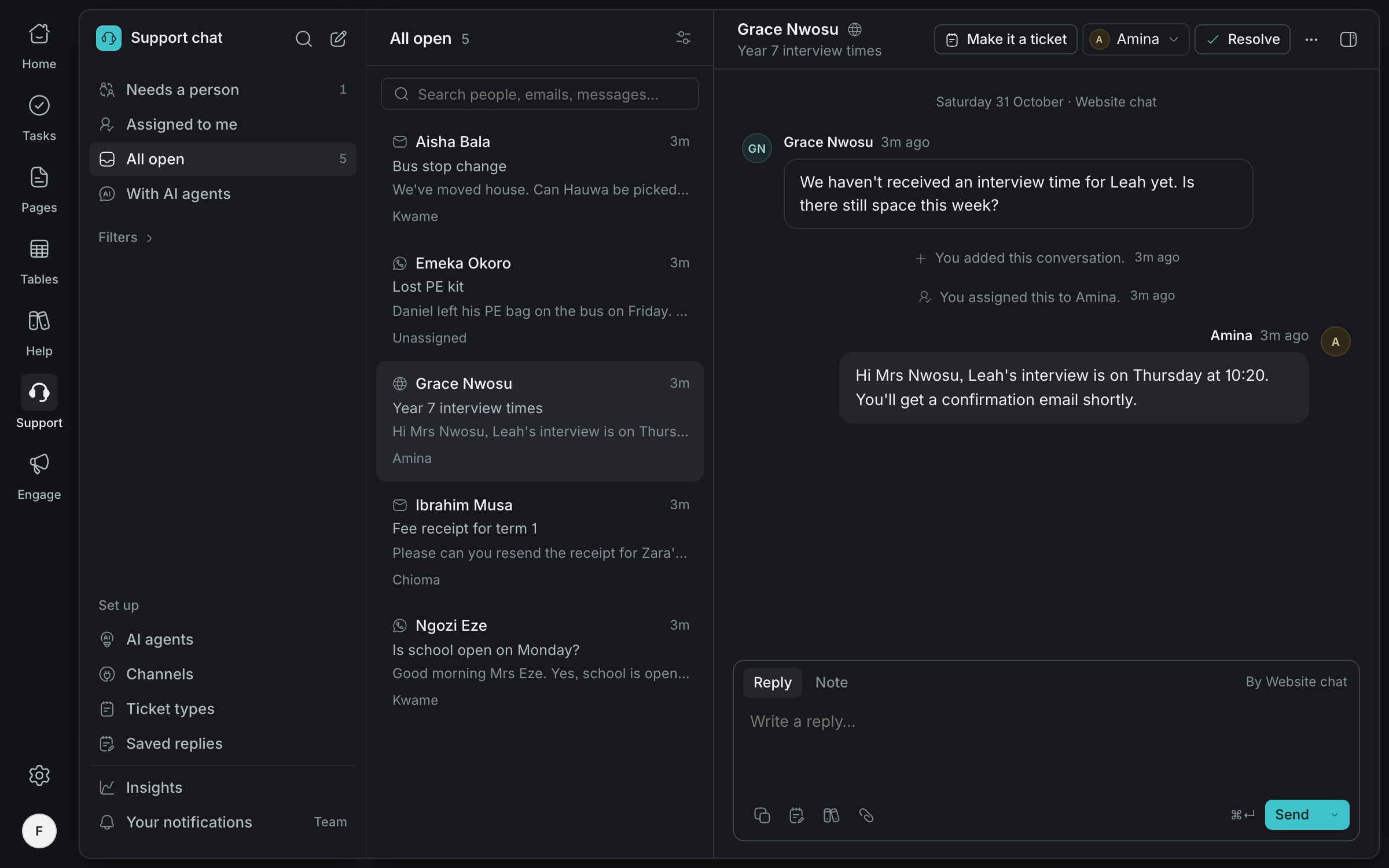
WhatsApp, email and chat
One inbox for every way parents get in touch, with a linked WhatsApp number.
Right person, every time
Assign, snooze and resolve, so no parent waits unseen.
Notes for staff
Talk a question over beside it. Parents never see it.
An AI agent, if you want one
It answers from your help articles only, says which it used, and hands over when it should.
A help site
parents can search
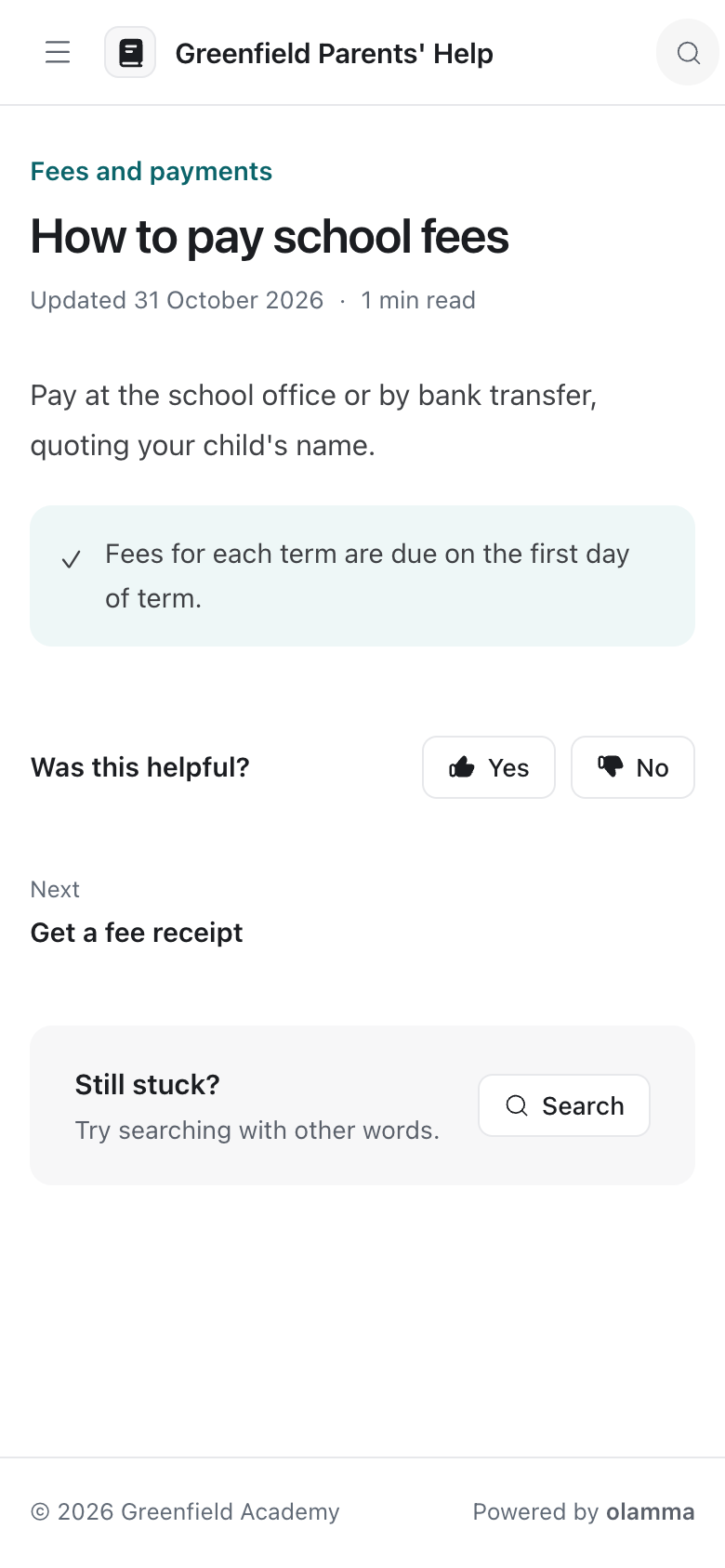
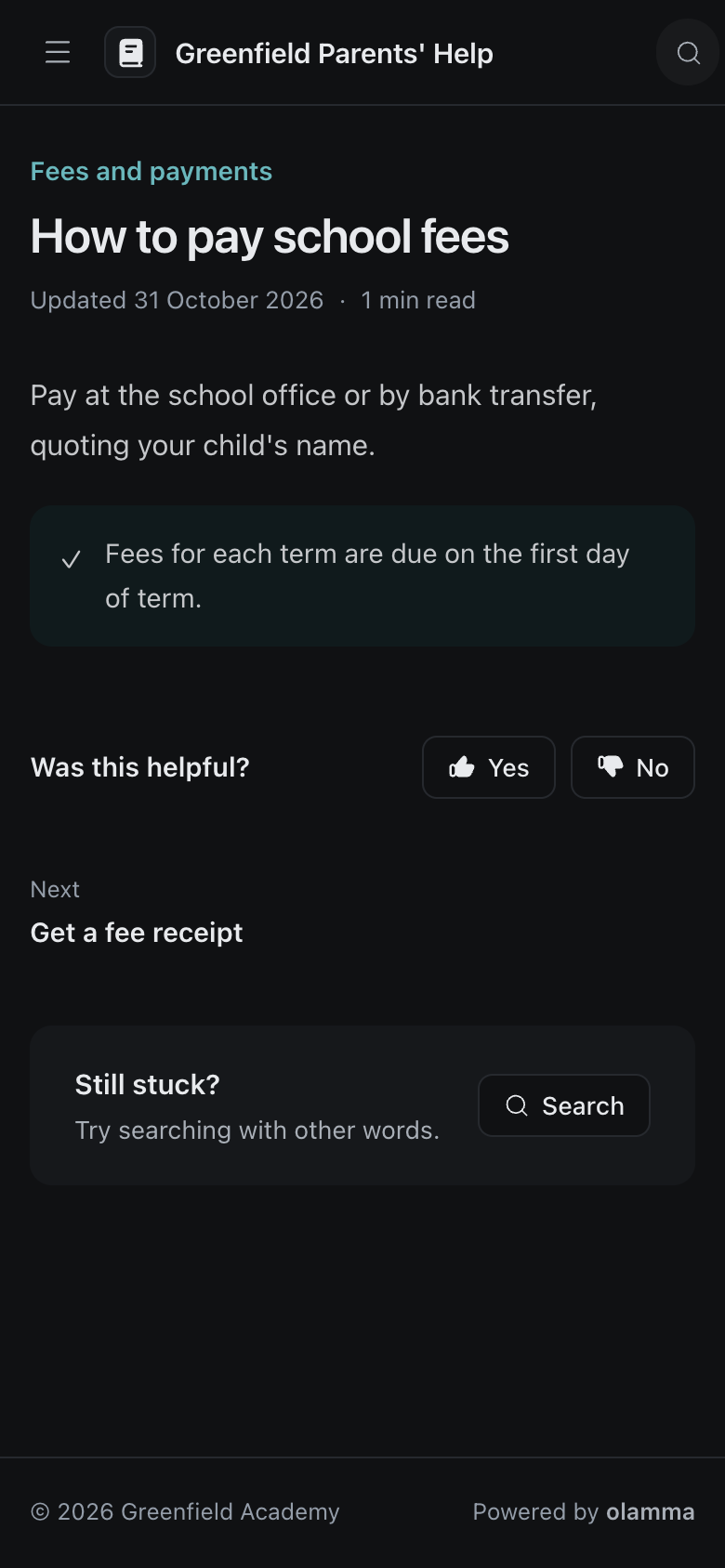
Fees, term dates, uniform and buses: publish the answers once, on your school's own help site. Parents find them on any phone before they need to ask, and you see what they searched for and couldn't find.
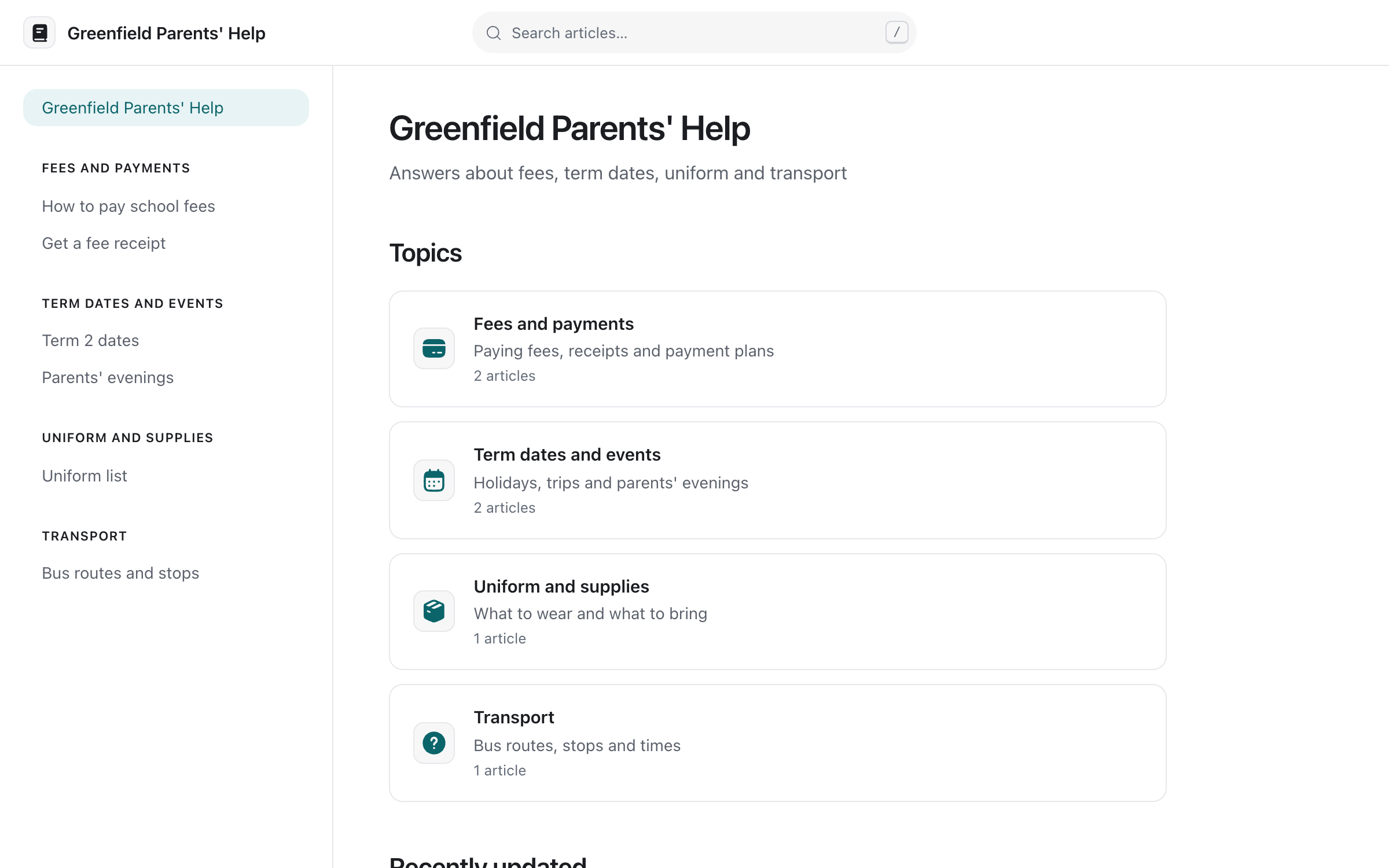
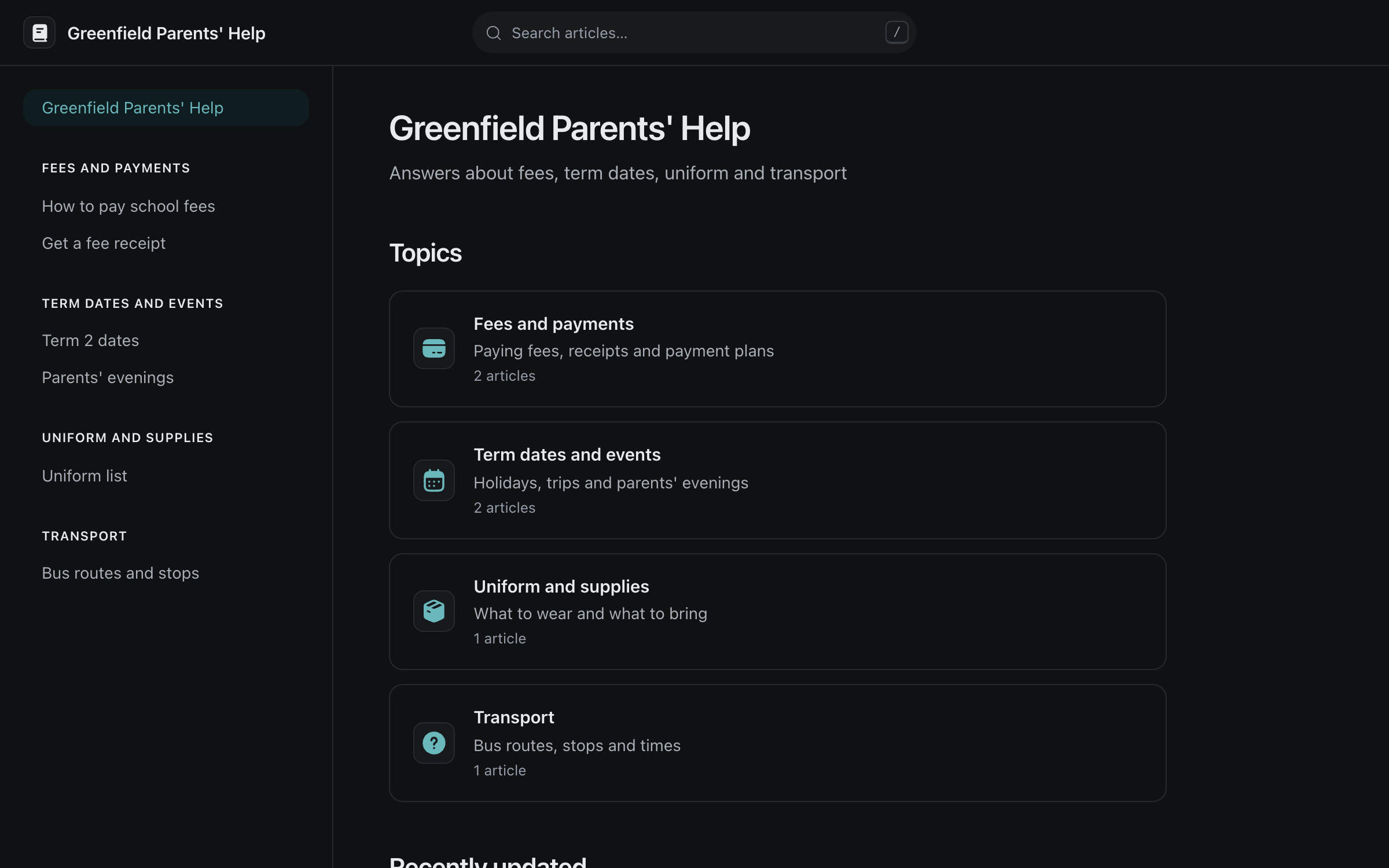
Topics parents understand
Fees and payments, term dates, uniform, transport, in the order you choose.
Search that forgives typos
Parents find the answer even when they spell it wrong.
Written by your staff
Articles are pages your team writes in Olamma, published when they're ready.
What parents need next
Searches with no answer show you which article to write.
Reach every family
at the right time
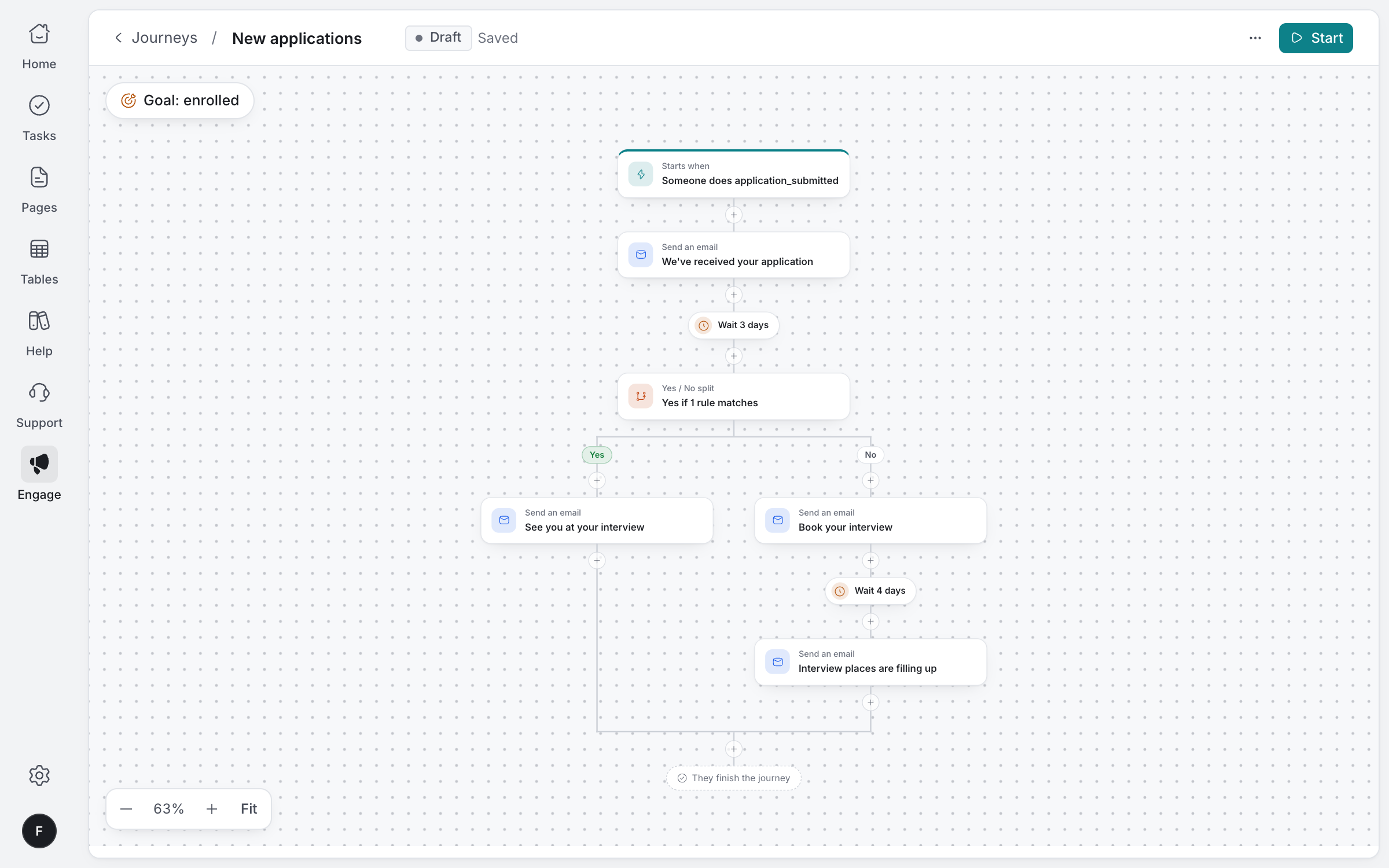
Send fee reminders and announcements by SMS, email or push, each filled in with the parent's and child's names. Welcome new applicants with messages that follow what they do.
Fee reminders
One message to every family with fees due, each with their own names filled in.
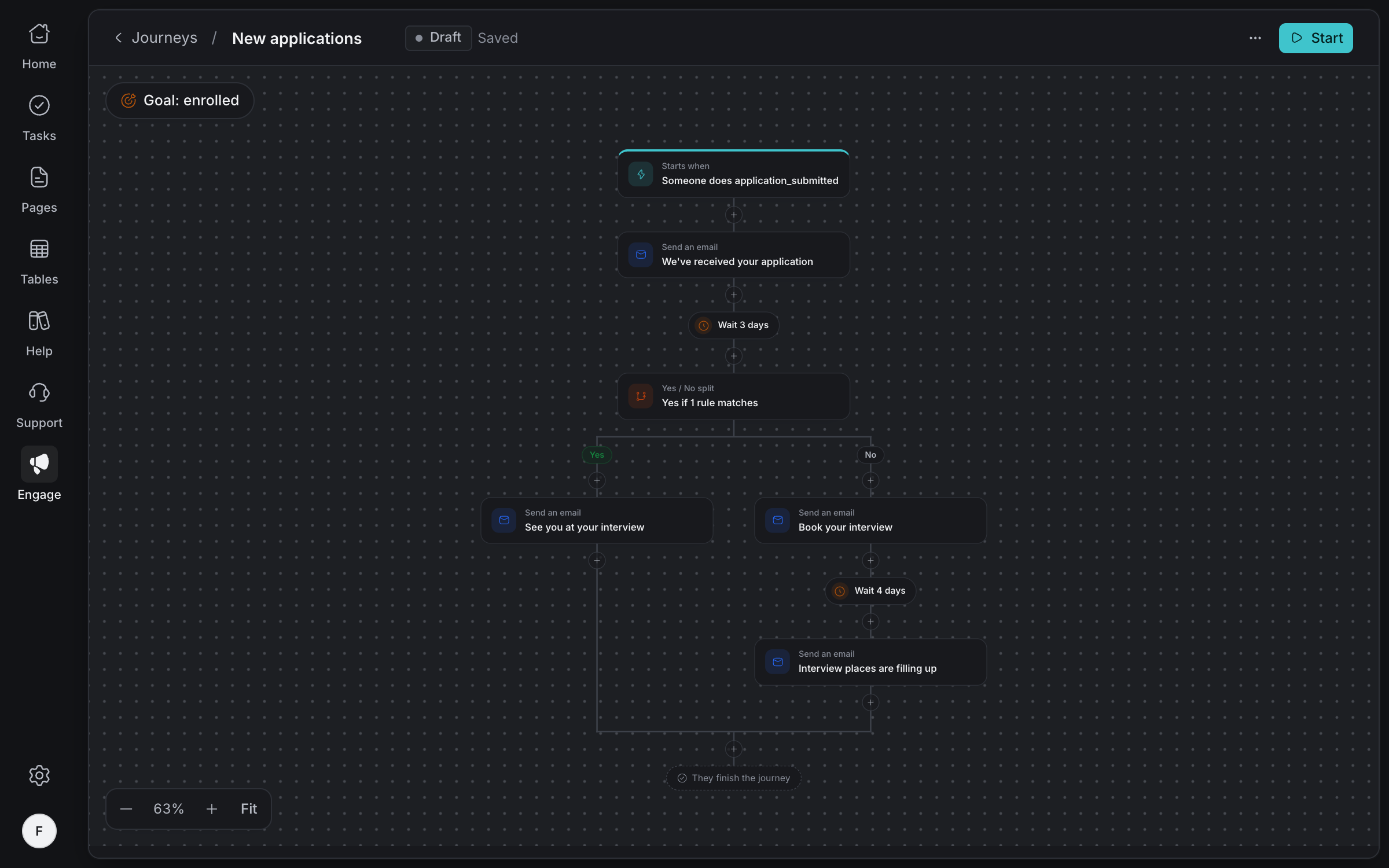
Journeys for applicants
Thank them, remind them to book an interview, and stop once they enrol.
Only who agreed
Parents get only the channels they agreed to, and can unsubscribe themselves.
See what happened
Who got each message and who didn't, with opens and clicks for email.
For your
staff
Handbooks, policies and the term calendar live in pages everyone can find, letters from the head can go out as write-ups, and each member of staff plans their own day.
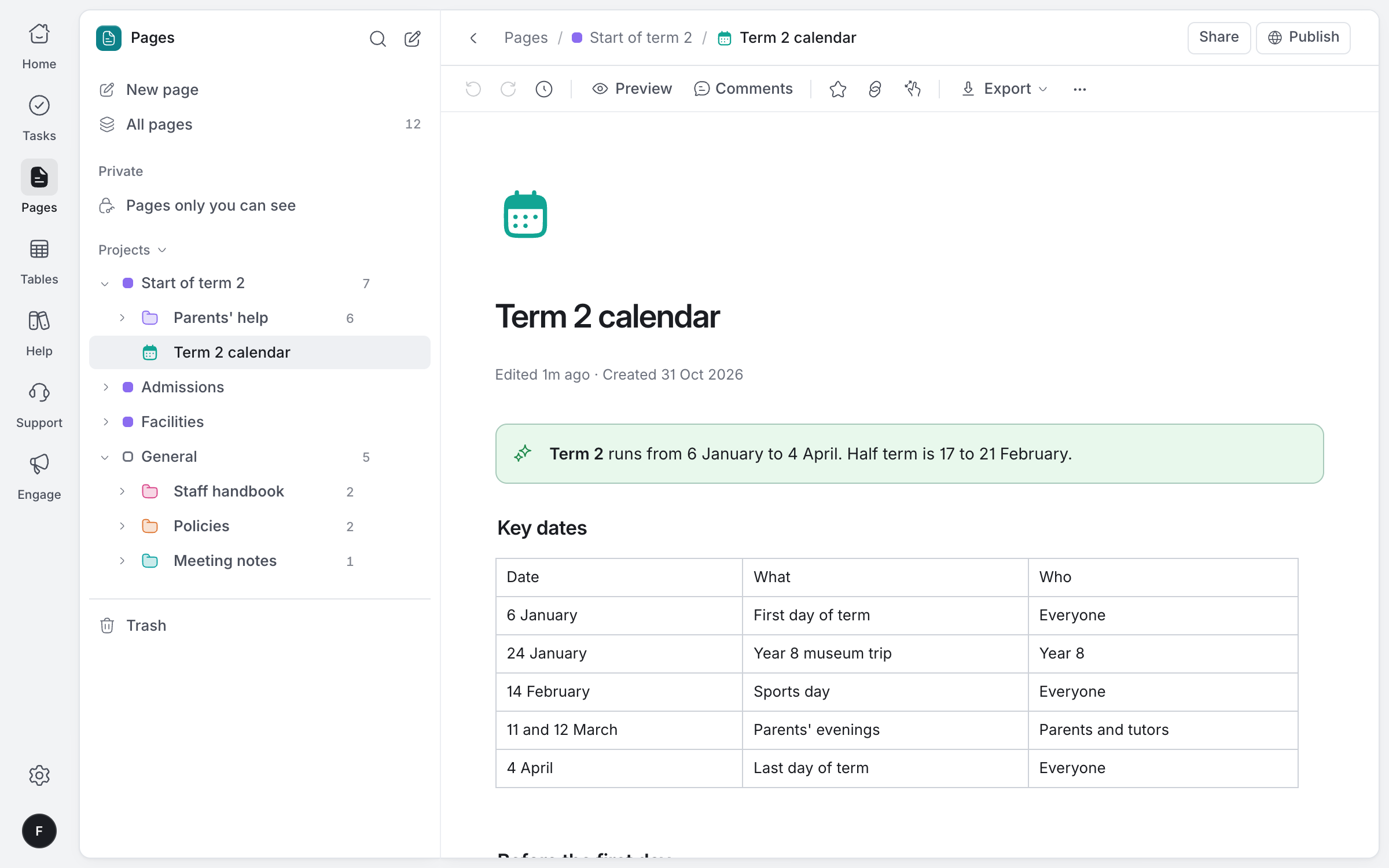
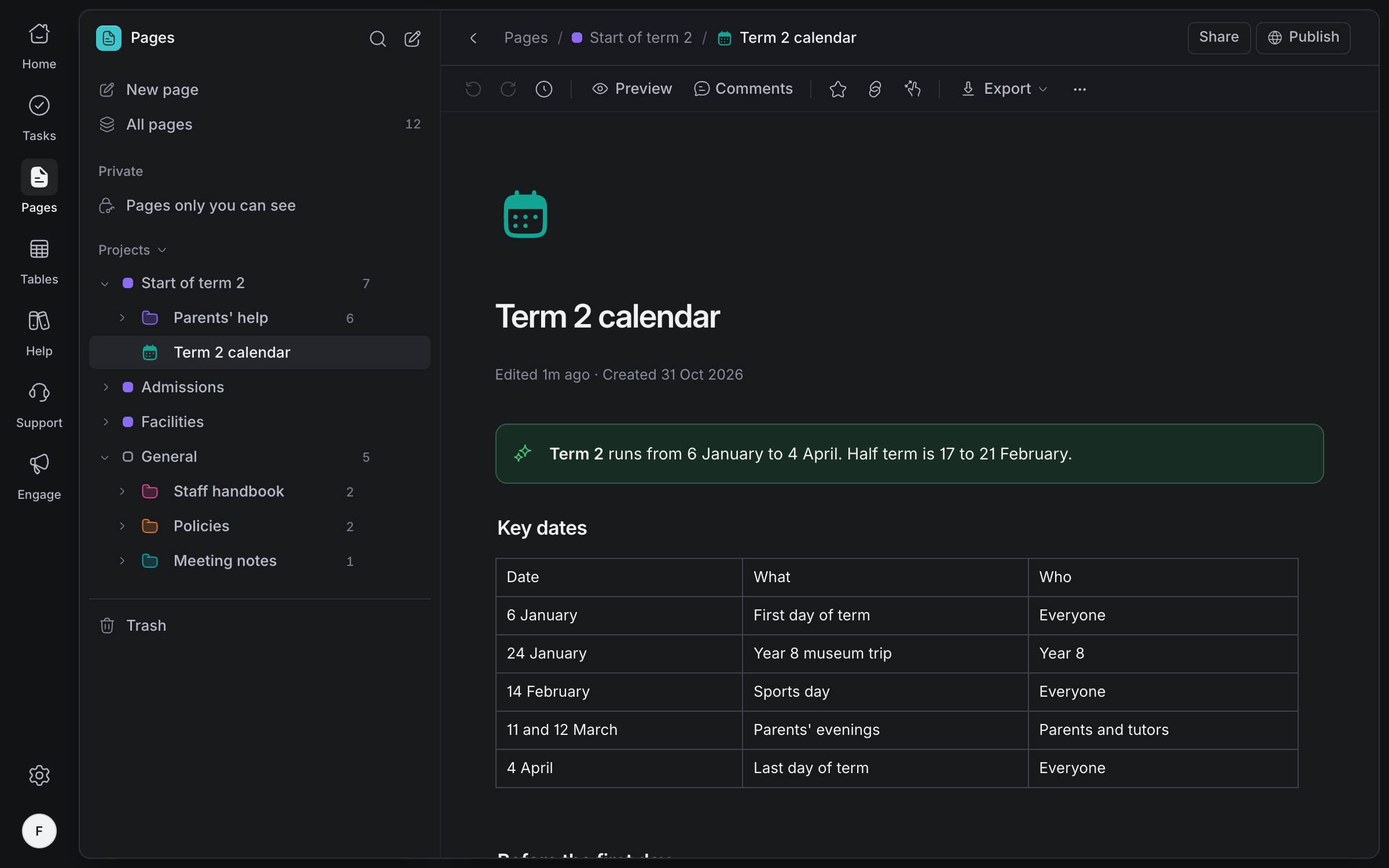
Filed by project, discussed line by line, and exported as PDF or Word when you need to send them.
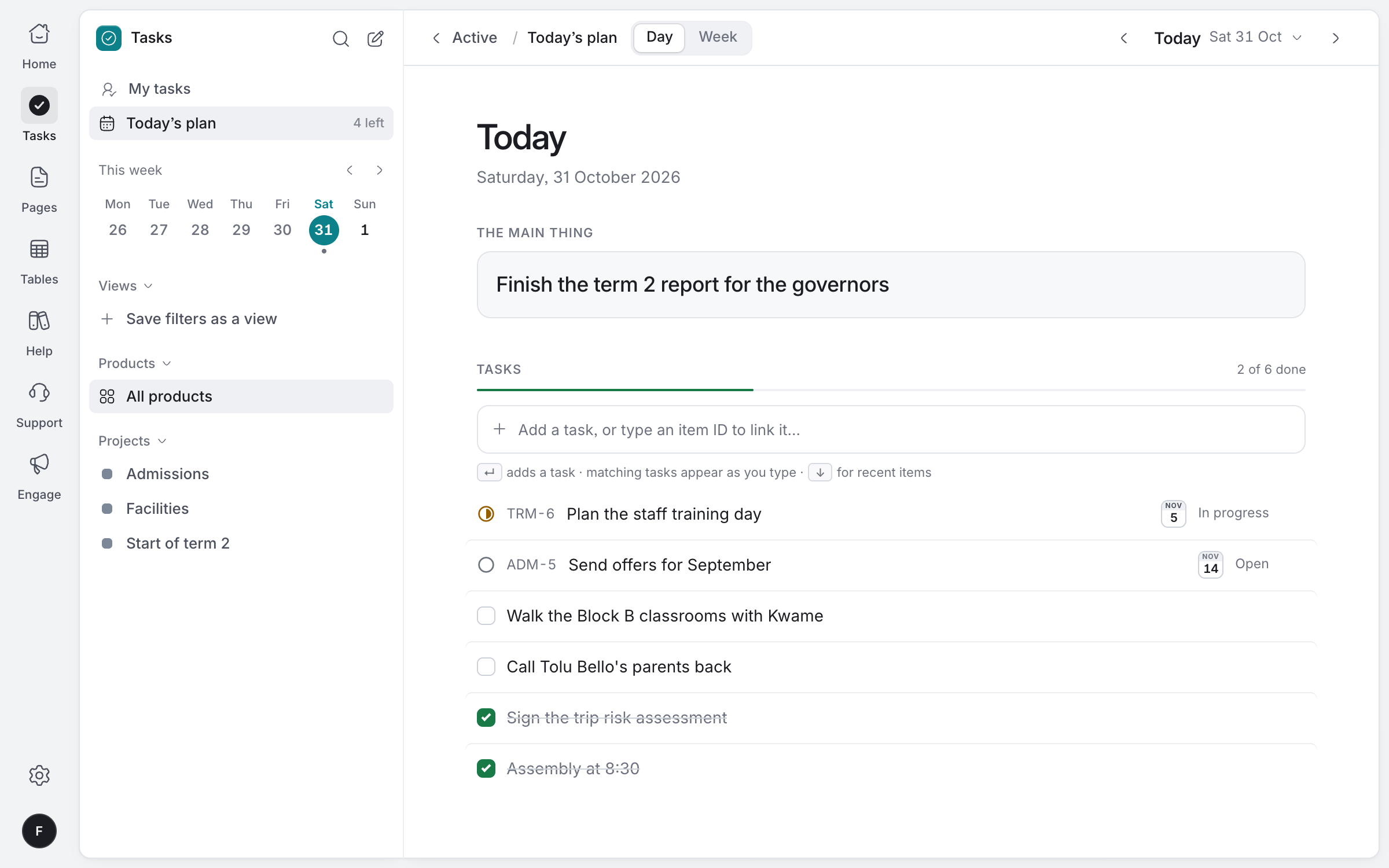
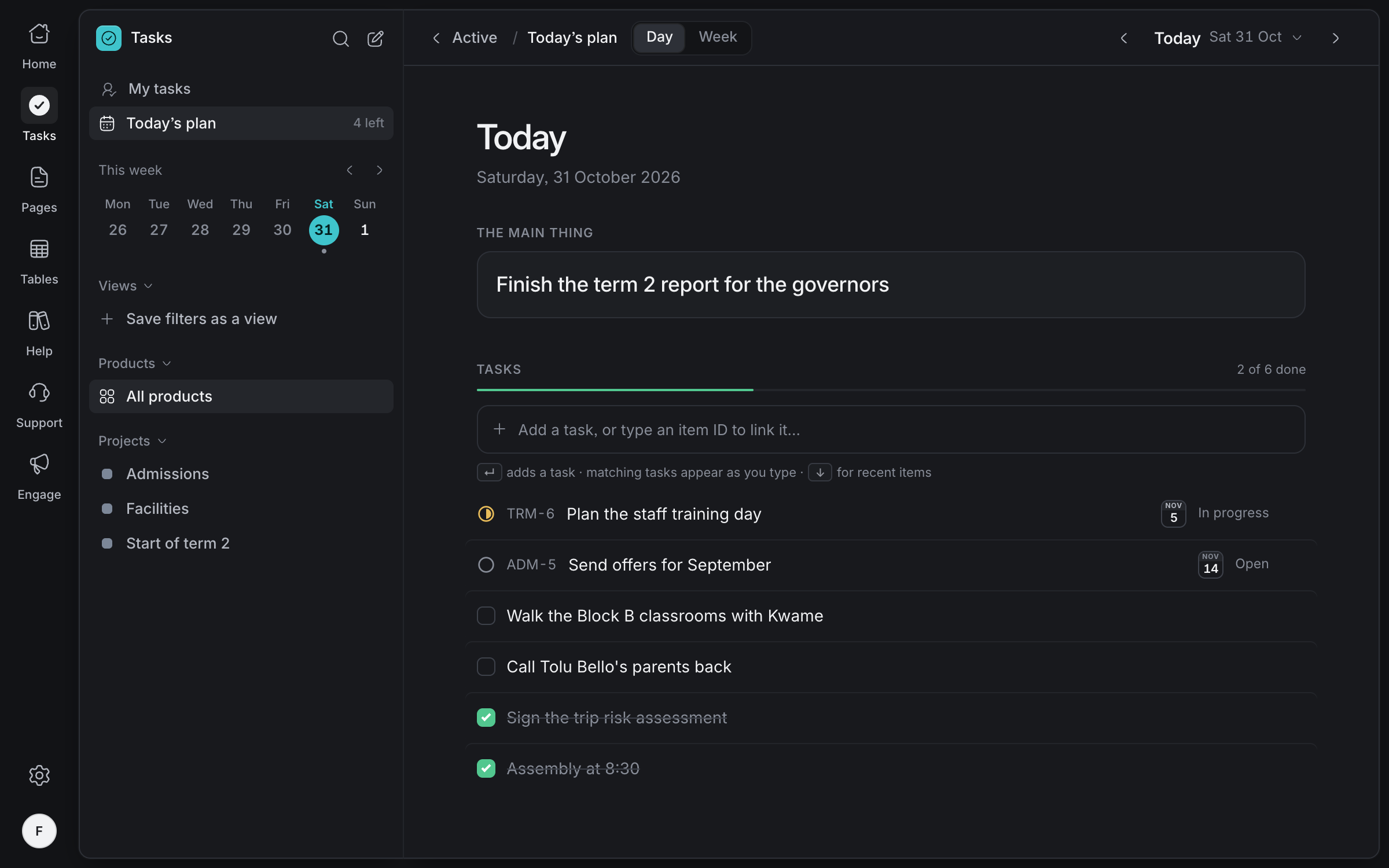
Each person writes the main thing for today and plans their work around it. Only they see it.
Made for how
schools work
WhatsApp, where parents are
Link your school's WhatsApp number and answer parents from the same inbox as email.
SMS in Nigeria
Promotional SMS goes out only between 8am and 8pm Nigerian time.
The right staff only
Keep admissions and fees in projects only the staff who need them can open.
Paper when you need it
Export any page as a PDF or Word document for printing or sending.
Nothing forgotten
Due dates, a private plan for each day, and deadlines that come to the person who owns them.
AI that knows its limits
Agents answer only from what you publish and hand over to staff when they should.
Bring your school's work together
Tell us about your team and we'll help you set up your workspace.
Request access