Close the month, not your inbox.
Run the month-end close as a project, keep invoices and expense claims in tables, and write down how money moves, with your team and AI agents working side by side.
Request access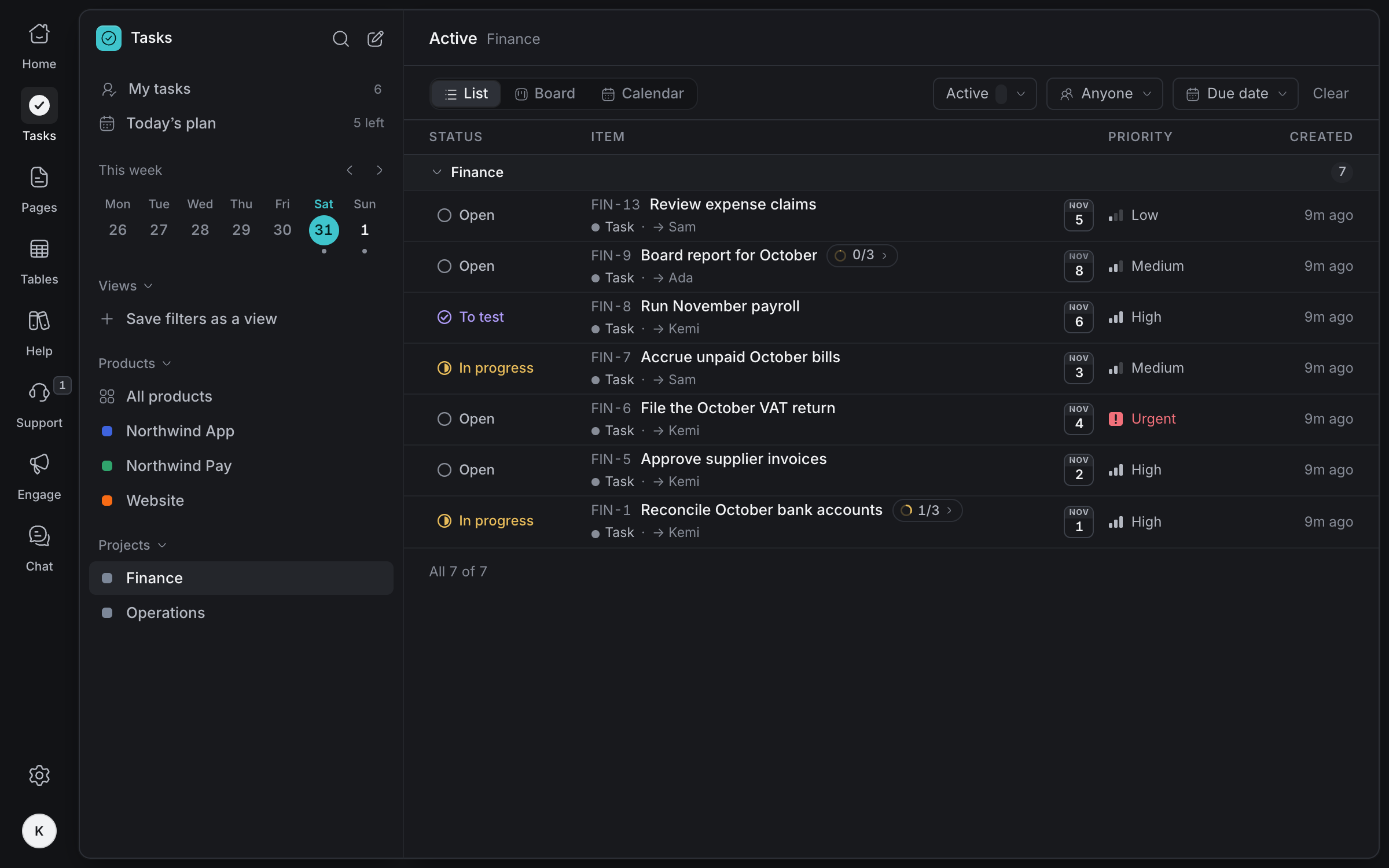
A close everyone
can follow
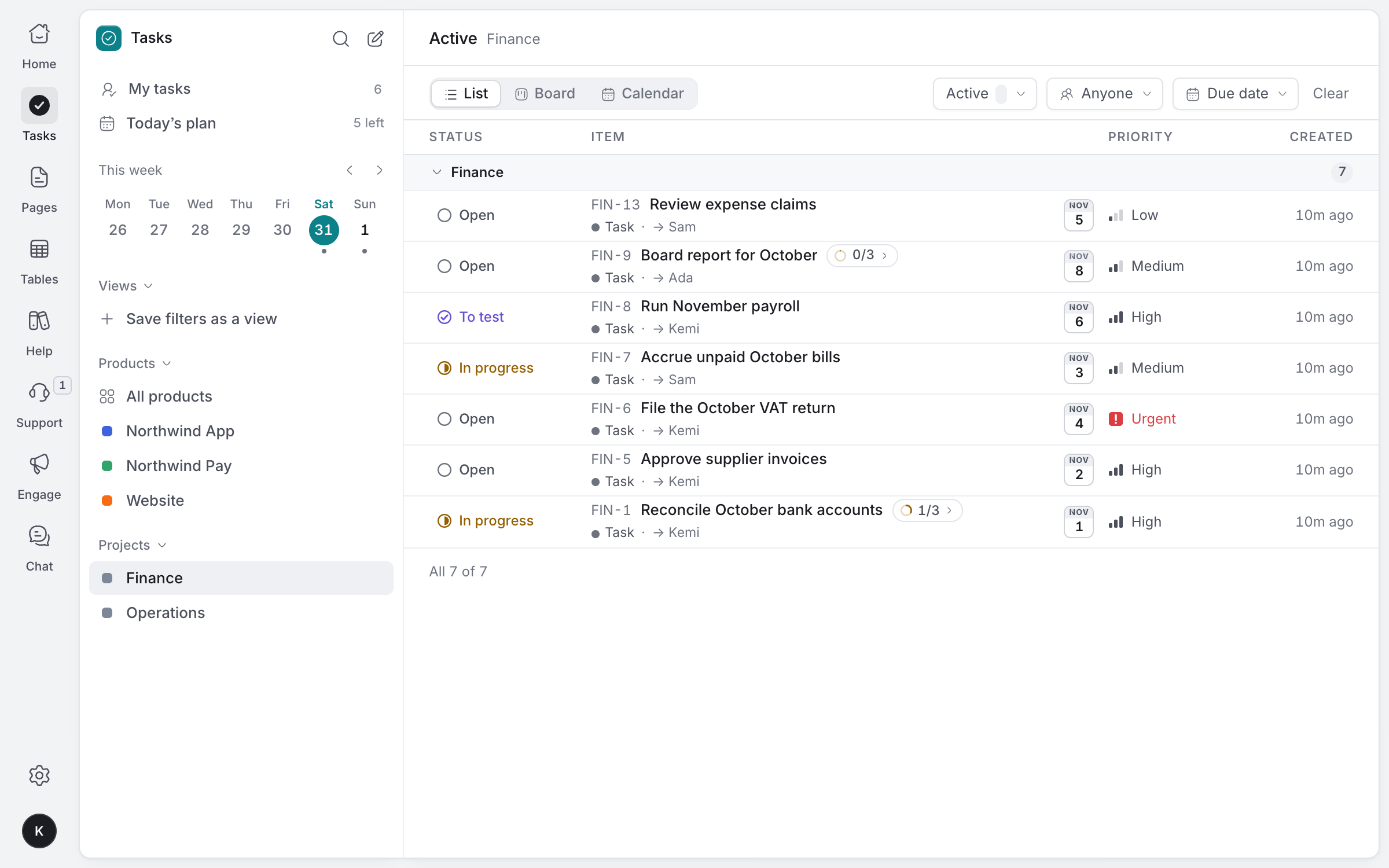
Reconciliations, accruals, payroll, the VAT return and the board report: each step of the close with an owner, a date and its sub-steps, so nothing waits on a spreadsheet nobody can find.
A project for finance
Your close, payroll and filings in one project, with its own short IDs like FIN-6.
Steps inside a task
Break a reconciliation into each bank account.
Due dates that warn you
Red once late, amber on the day, so the VAT return never slips.
To test before done
Mark payroll ready for someone else to check before it's done.
Invoices and suppliers,
in order
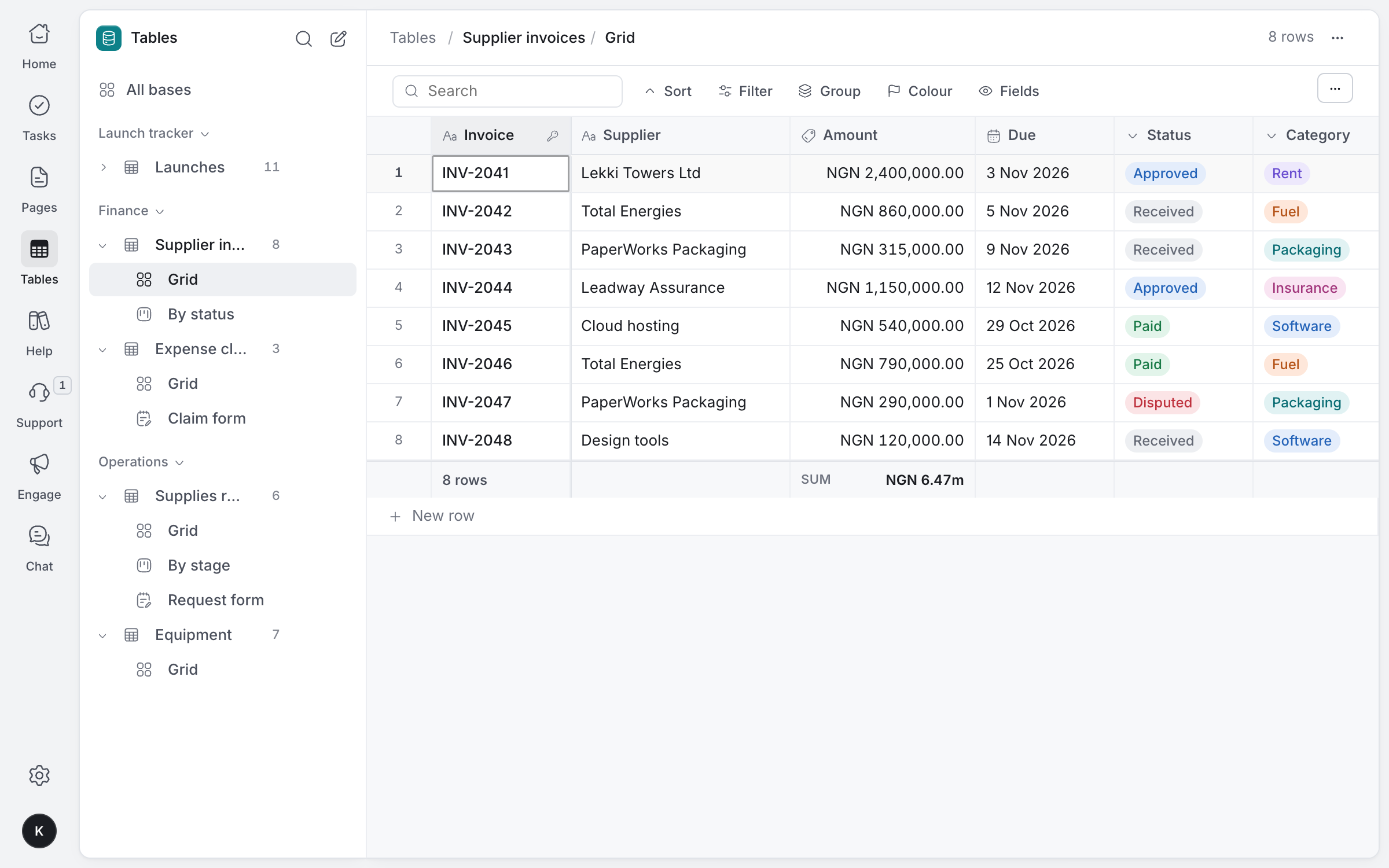
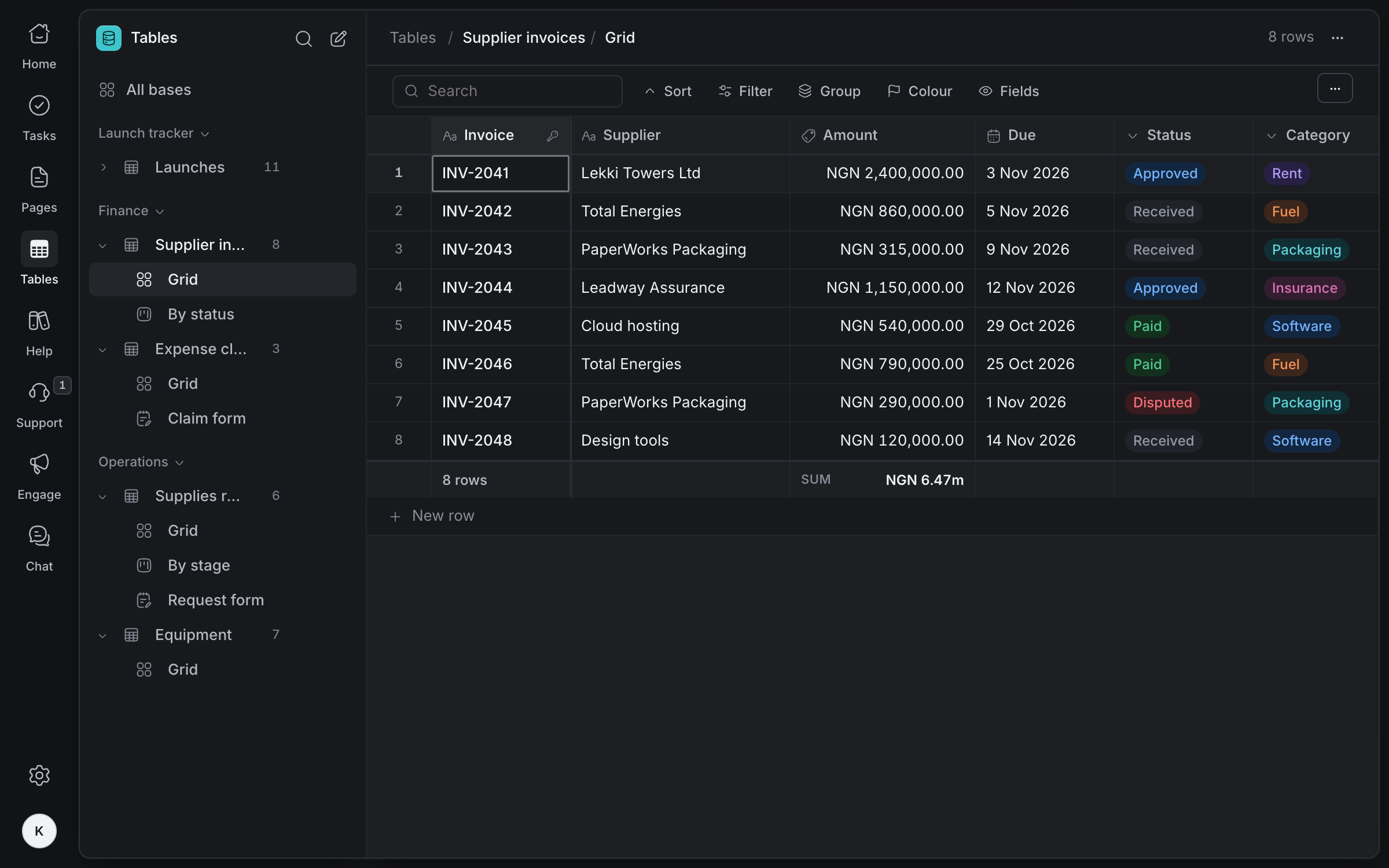
Every supplier invoice with its amount, due date and status, totalled at the bottom. Move invoices across a board as they're approved and paid.
Each invoice in naira, with its supplier, due date, status and category, and the total along the bottom.
Money stays money
Currency fields in naira or another currency, stored exactly, with sums and averages.
Colour what matters
Highlight disputed or overdue invoices with colour rules.
Every change kept
Who changed an amount or a status, and when, kept for 180 days.
CSV in and out
Bring in a spreadsheet, and export any table when your accountant asks.
Expense claims
with the receipt
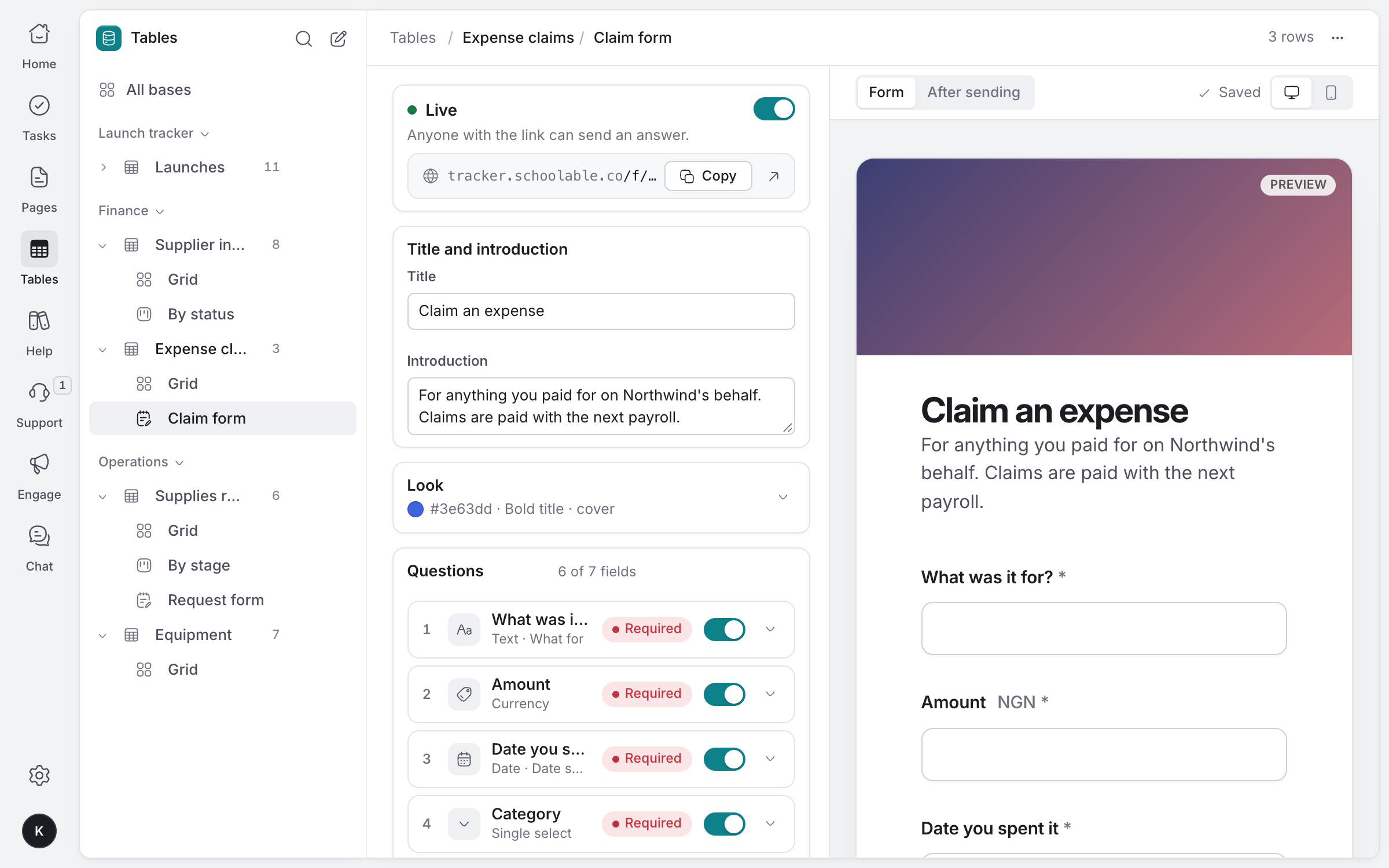
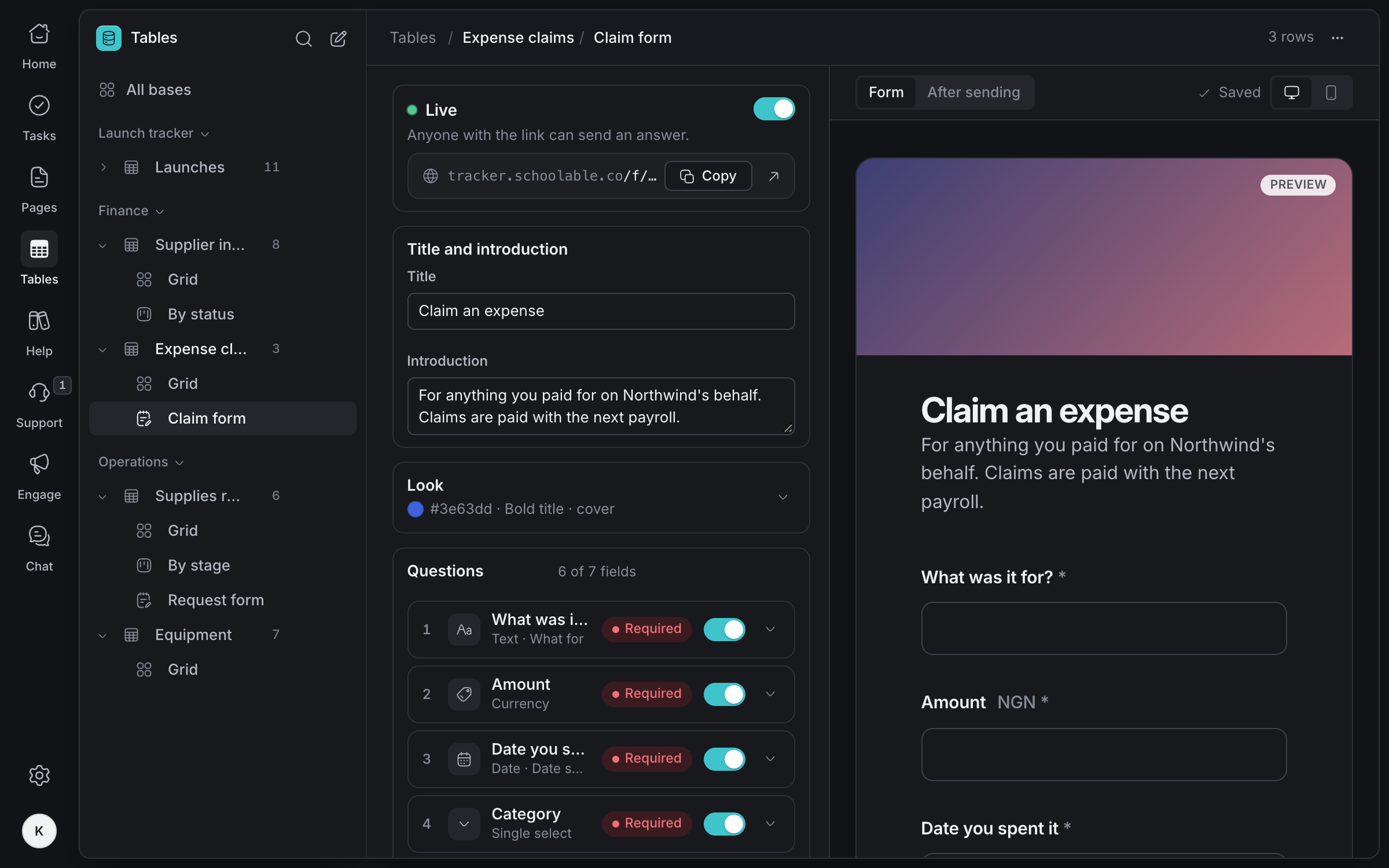
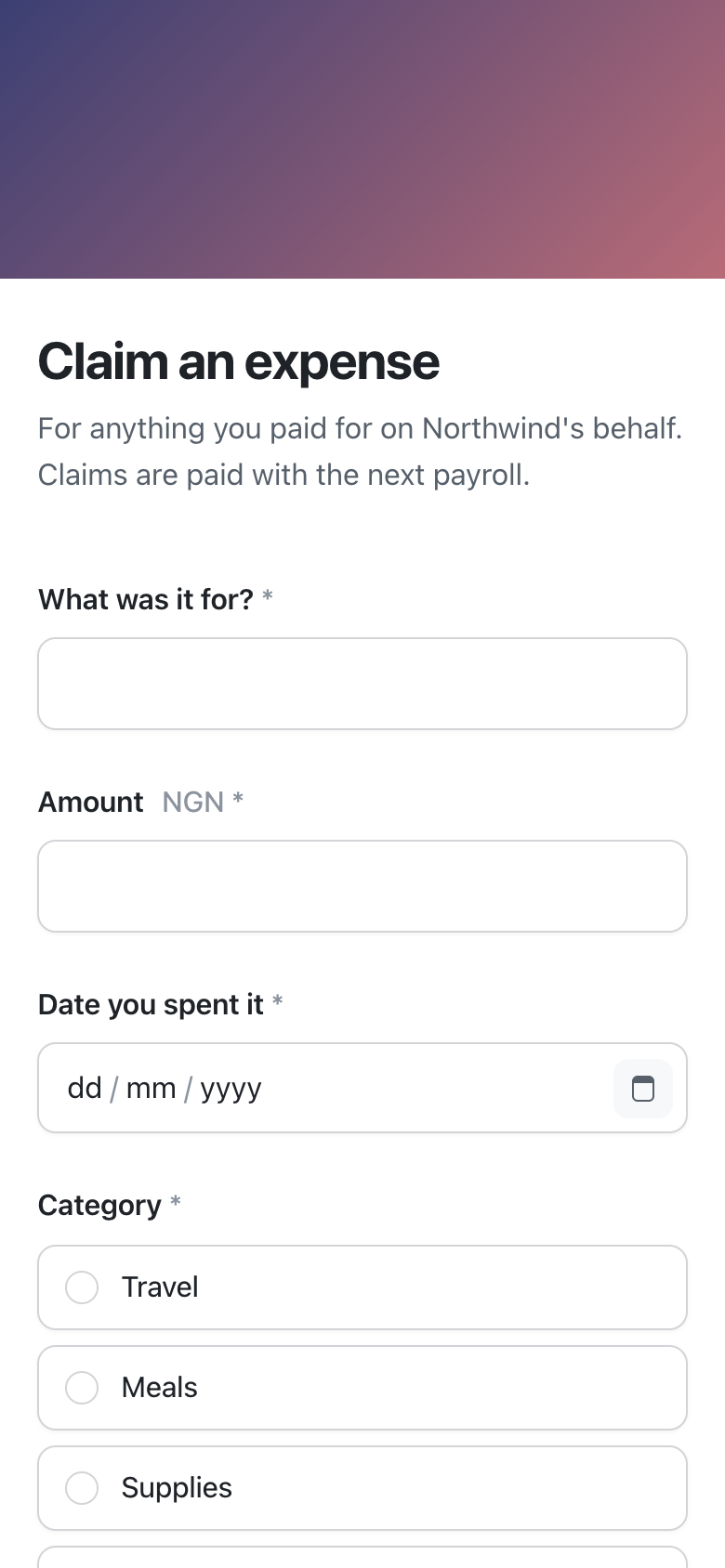
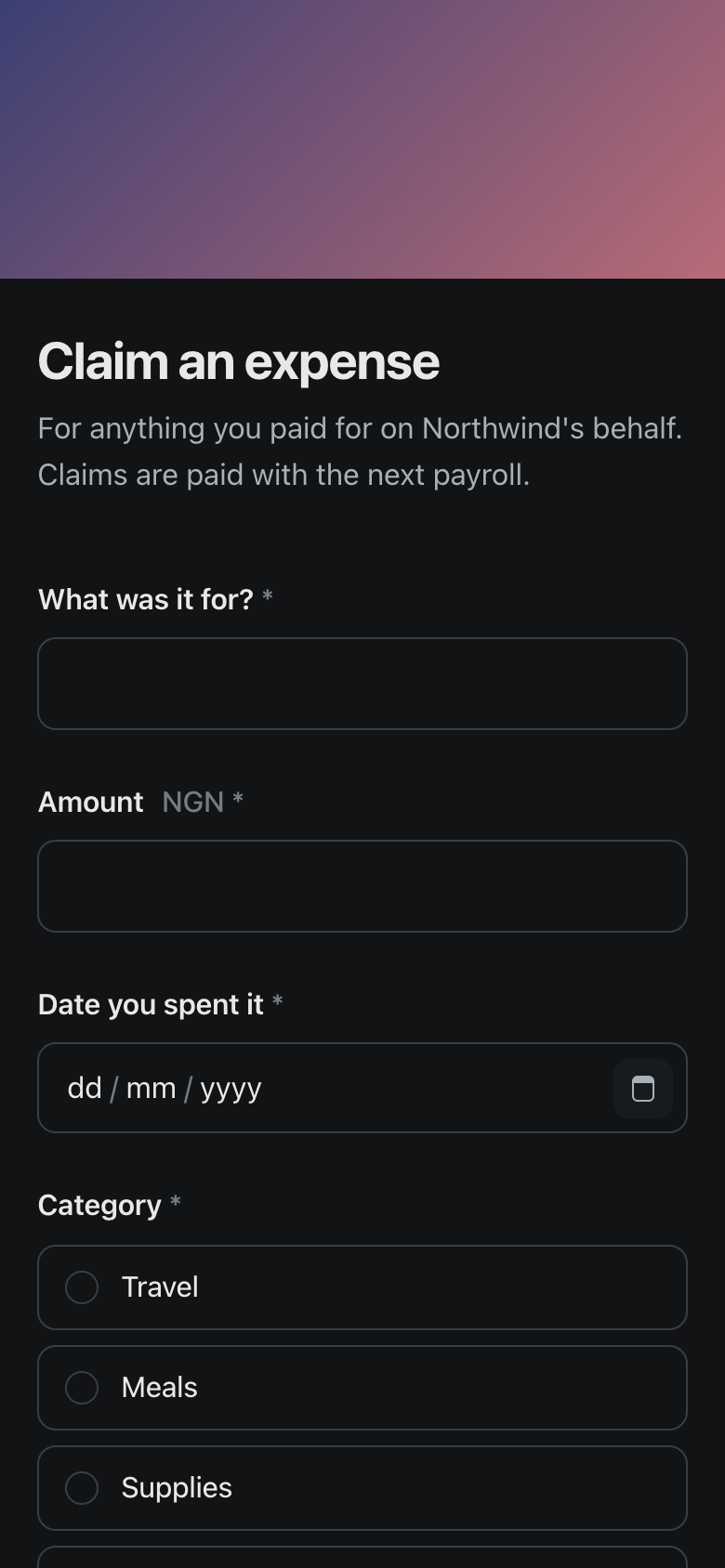
Staff claim from one link on their phone, with a photo of the receipt. Each claim lands as a row your team approves and pays.
- 01
Build it from your table
Every field can be a question: what it was for, the amount, the date and the receipt.
- 02
Share one link
Staff open it on any phone, with no account needed.
- 03
Claims land as rows
Each claim arrives in your expense table, ready to approve, with an email to finance if you want one.
Photos of receipts
Ask for an image of each receipt, up to five files.
Required answers
No claim arrives without an amount, a date and a receipt.
An email for each claim
Up to ten people in finance can get each claim with a link to its row.
Open or closed
Close claims at the end of the month while you reconcile.
Policies written,
days planned
Expense and payment policies live in pages people can find and question line by line, and each person plans their day around the close.
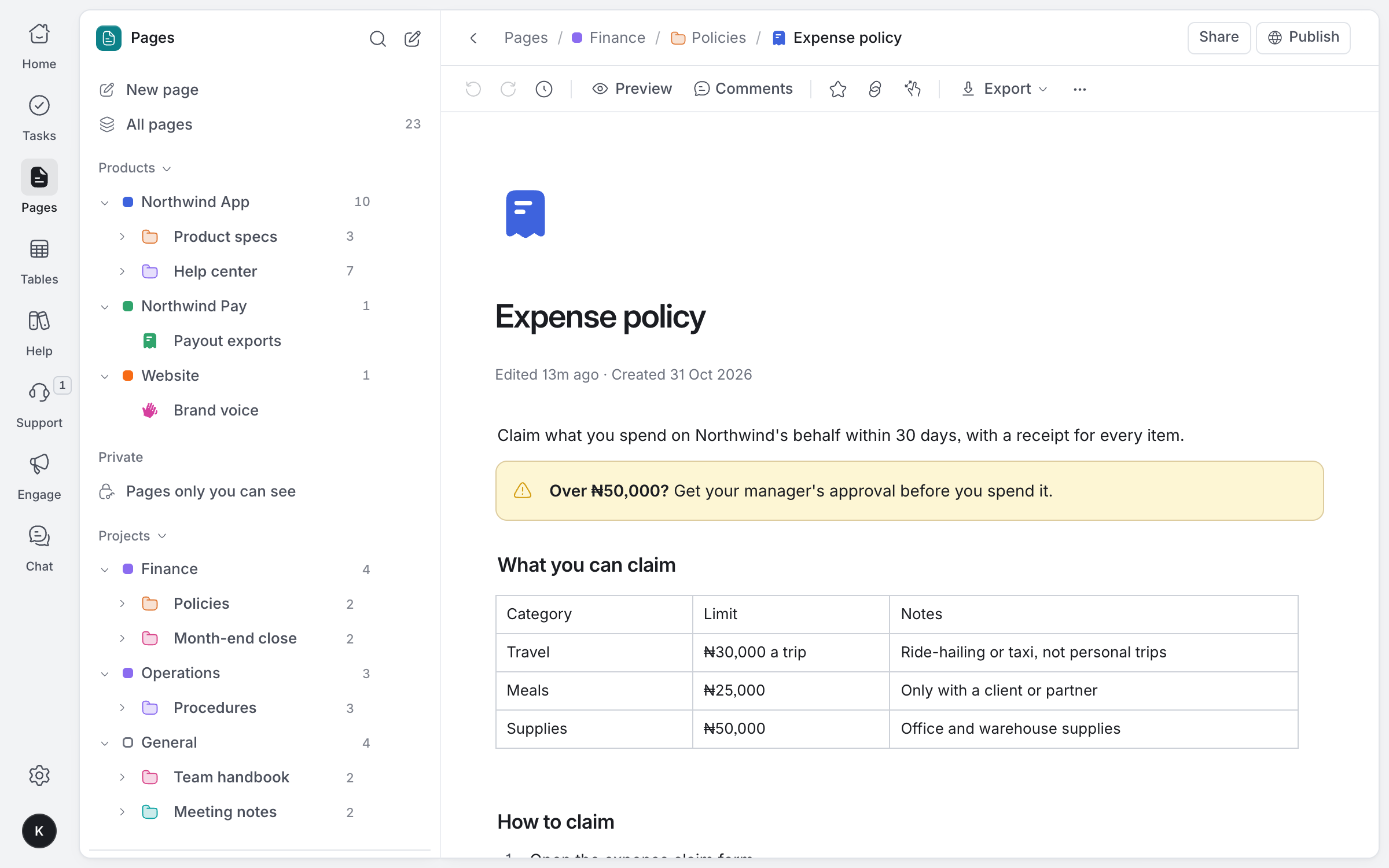
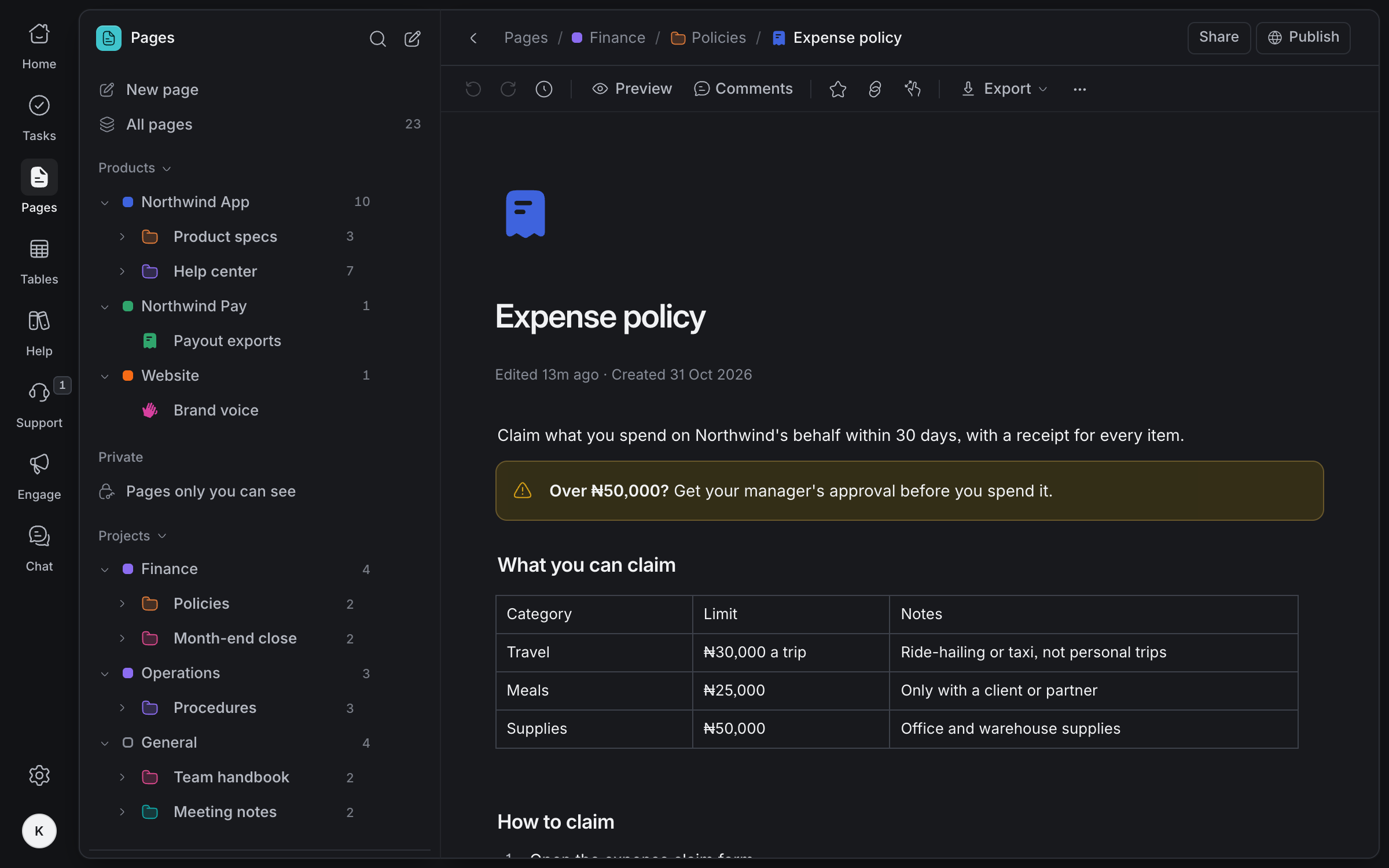
Limits in a table, the rule that matters in a callout, and versions kept. Export as PDF or Word when an auditor asks.
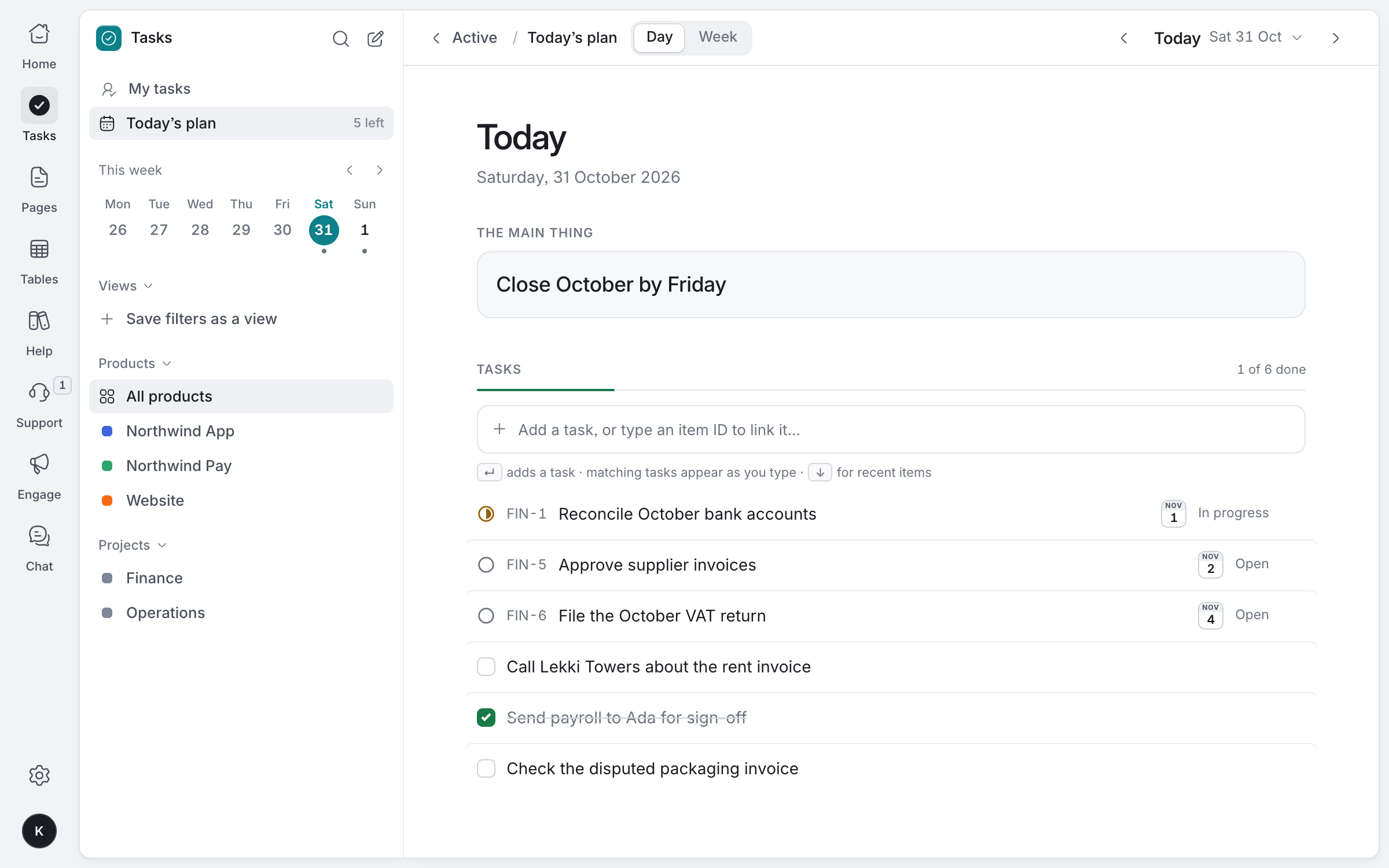
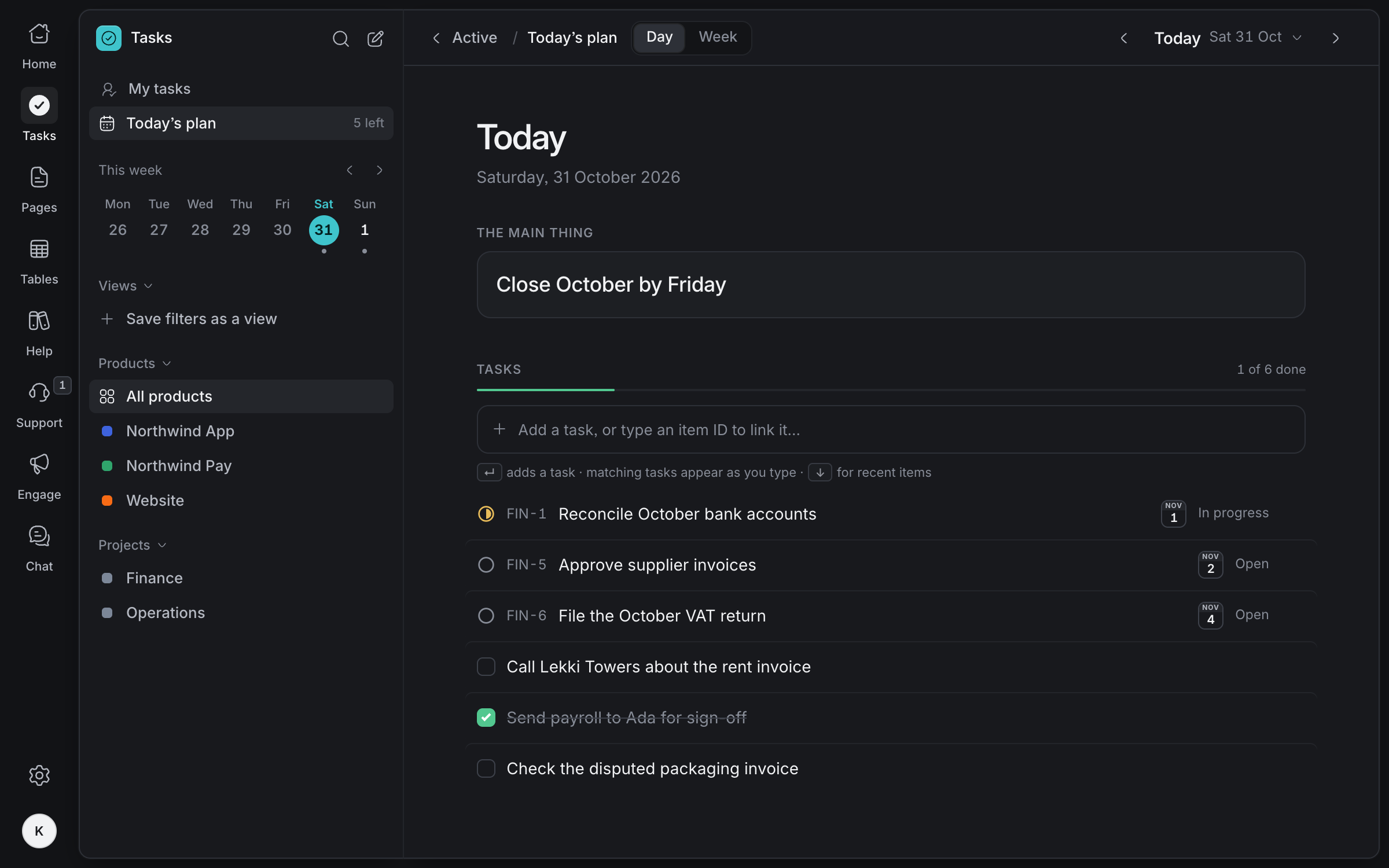
The main thing for today, the close tasks it needs, and the calls that go with them. Only you see it.
Made for how
finance works
Only the people listed
Keep finance projects to the people on your team, and nobody else.
Exact amounts
Currency is stored in minor units, so totals never drift.
History you can show
Every change to a row, who made it and when, newest first.
PDF and Word
Send a policy or a board report outside Olamma in the format people expect.
Beside your accounting software
Olamma holds the work around the books, like the close, approvals and claims. Your ledger stays where it is.
Agents that add up
AI agents can read rows and add up to 100 at a time through MCP, with every write signed.
Bring your finance work together
Tell us about your team and we'll help you set up your workspace.
Request access